CONTENTS
01. OVERVIEW
Use this report to display the Inventory of Assets in accordance with parameter settings.
| Informações |
|---|
|
For this report to work, follow the documentation below to configure Smart View in your environment: Smart View - Configuration of the Protheus product integrated with Smart View.
| Aviso |
|---|
| This feature is on a test phase with pilot customers, being officially introduced in Release 12.1.2310. This page and the feature may undergo changes until the date of feature release. |
|
02. EXAMPLE
| Informações |
|---|
|
Data View
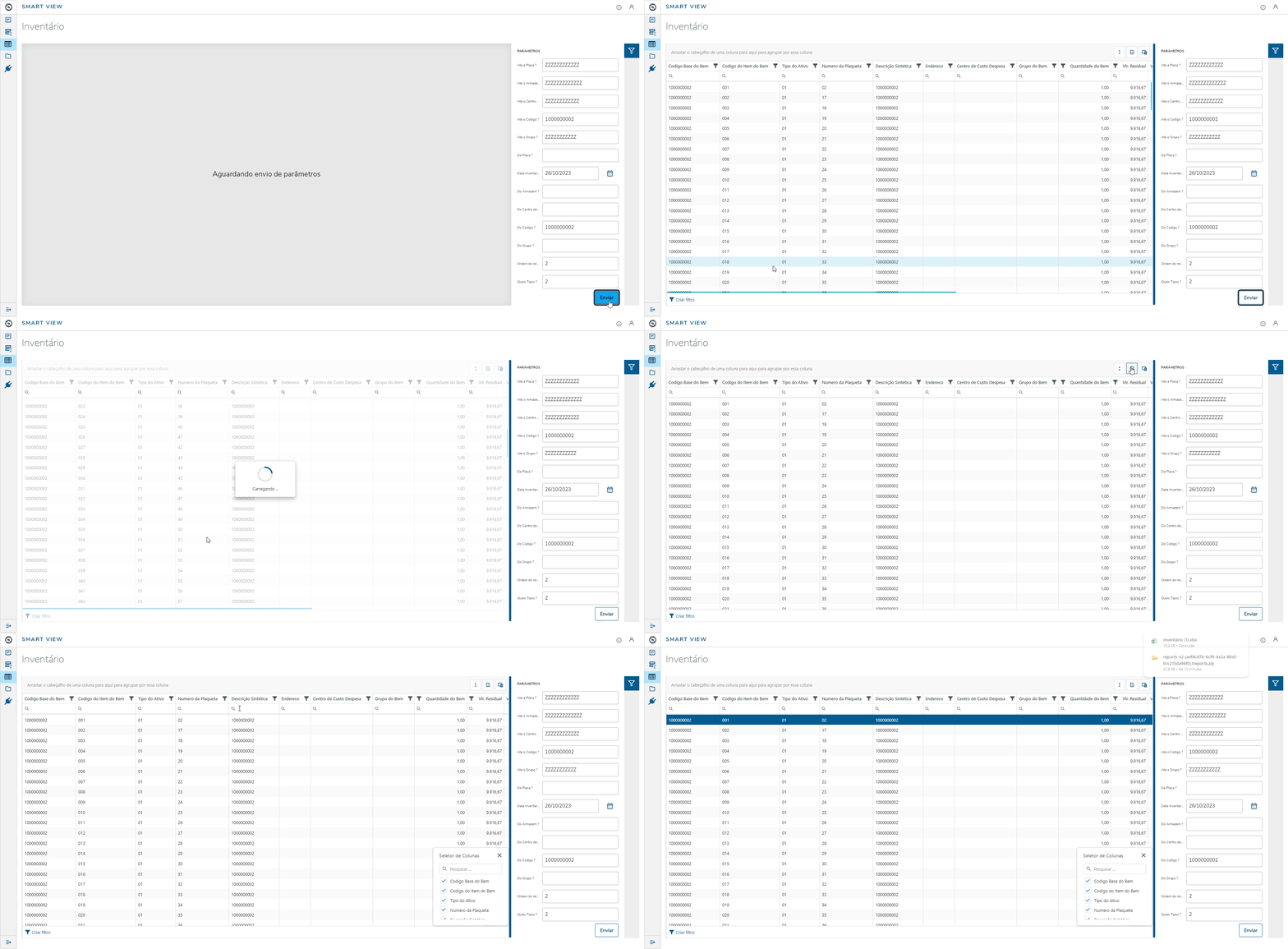
Report
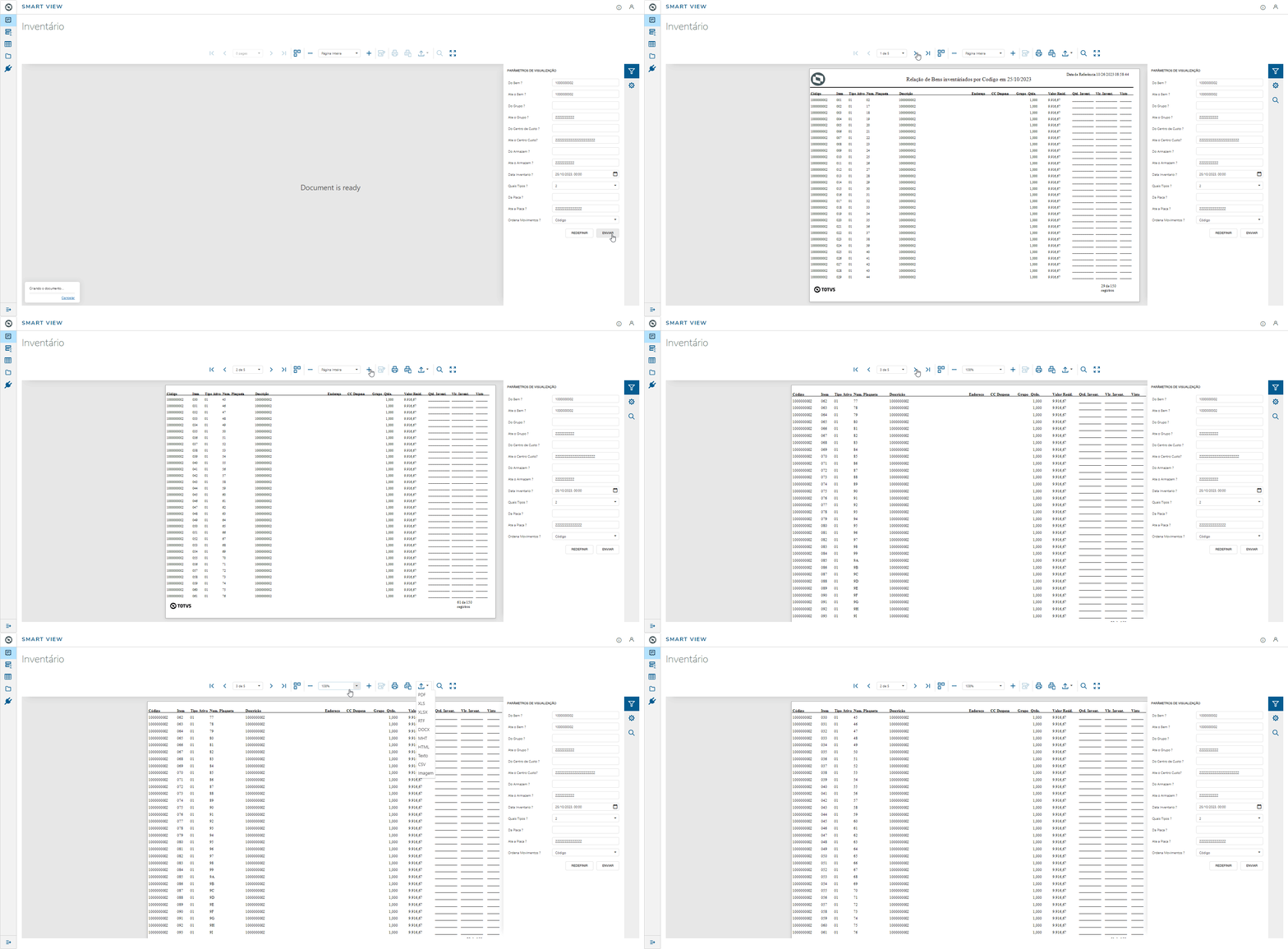
Parameters (Smart View): MV_PAR01 | From Code? | MV_PAR02 | To Code? | MV_PAR03 | From Group? | MV_PAR04 | To Group? | MV_PAR05 | From Cost Center? | MV_PAR06 | To Cost Center? | MV_PAR07 | From Warehouse? | MV_PAR08 | To Warehouse? | MV_PAR09 | Inventory Date? (Used for bill only) | MV_PAR10 | Which Types? | MV_PAR11 | From Plate? | MV_PAR12 | To Plate? | MV_PAR13 | Order of Report |
| Aviso |
|---|
| | The questions provided in this object of business are related to the inventory report, based on its question group. We must emphasize that we have reduced the questions to improve adaptability, depending on the feature. |
|
03. TABLES
- SN1 – Assets Form
- SN3 - Balances and Values
