Histórico da Página
...
| Deck of Cards | ||||||||||||||
|---|---|---|---|---|---|---|---|---|---|---|---|---|---|---|
| ||||||||||||||
|


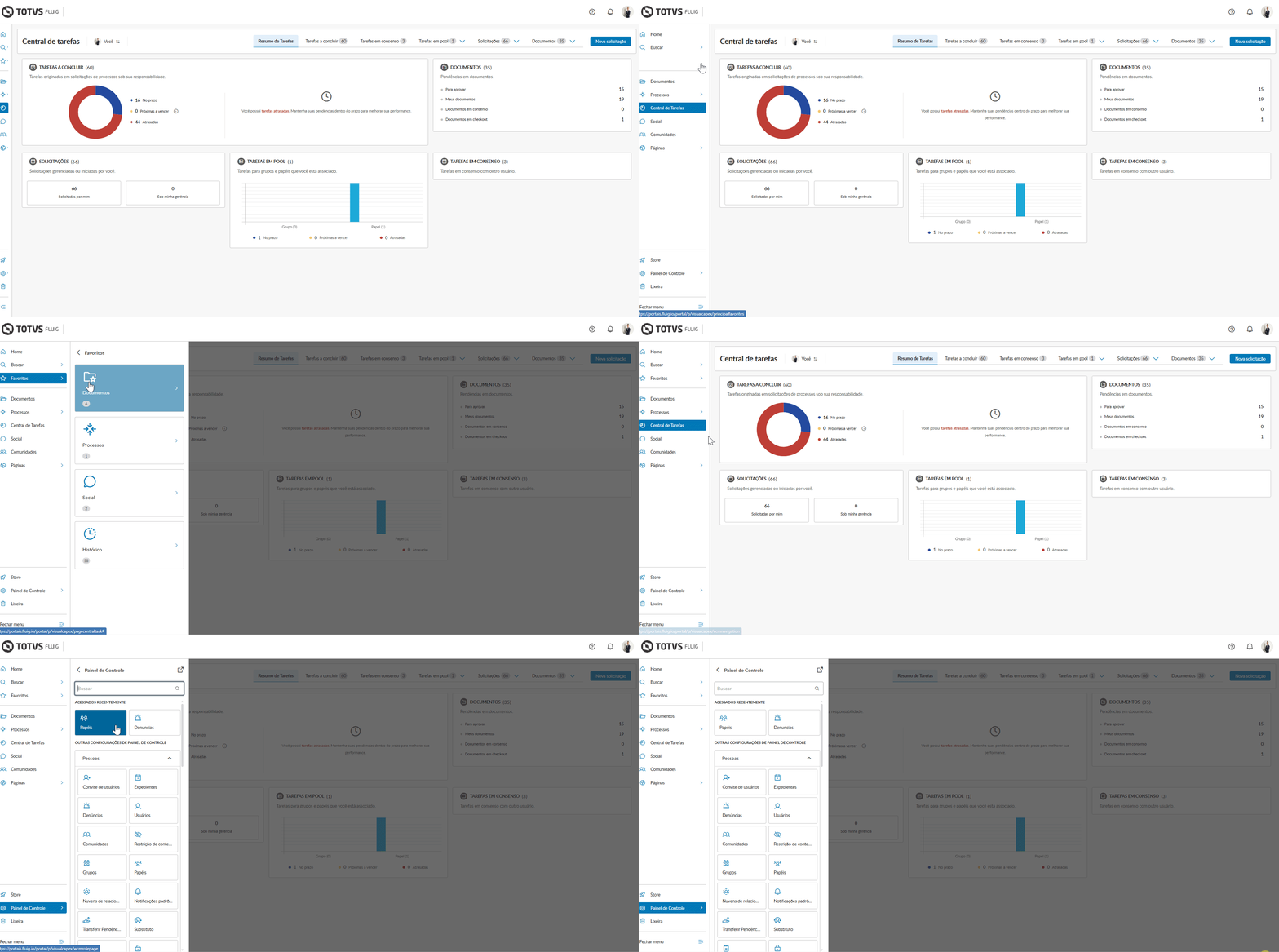
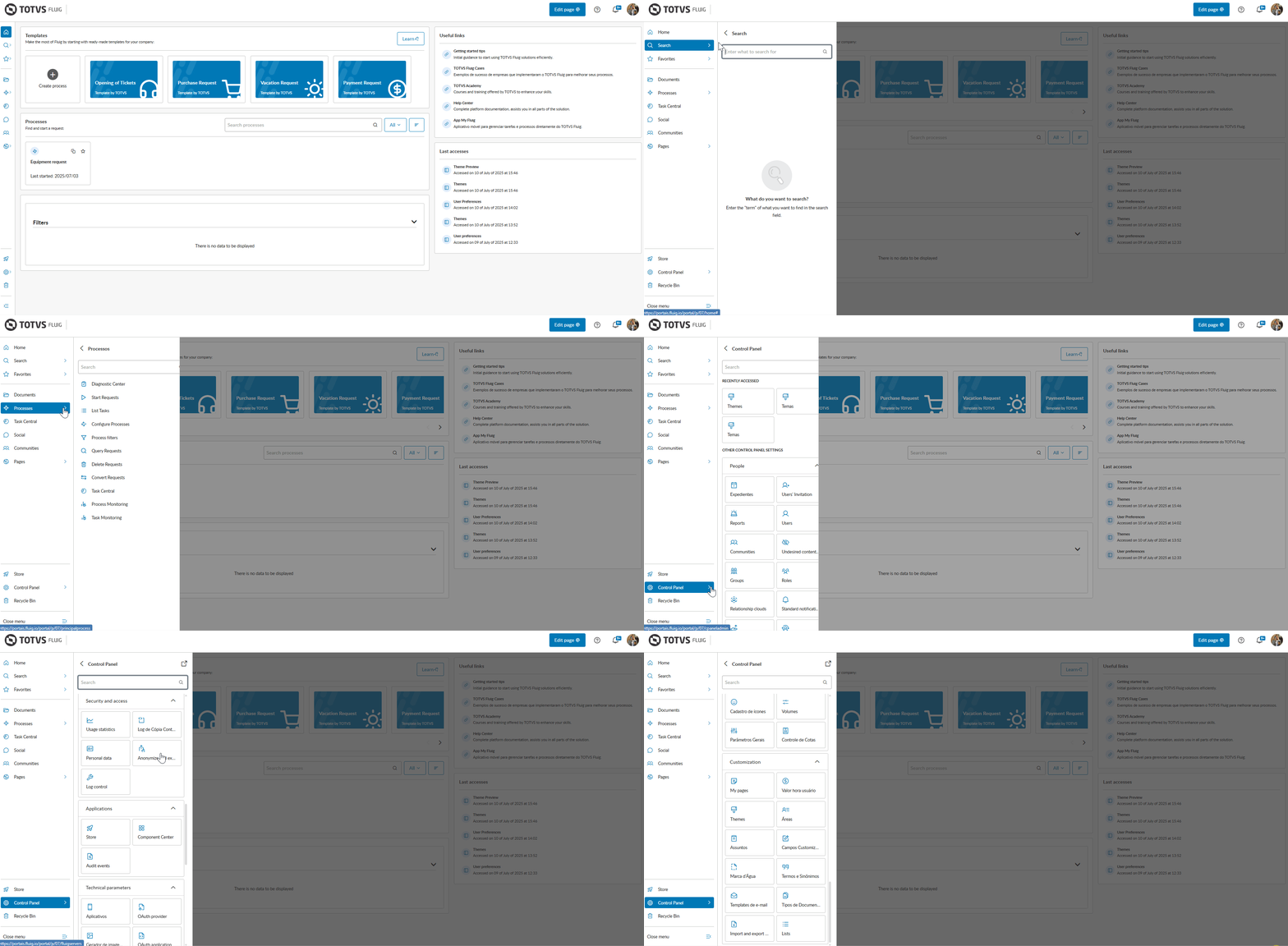
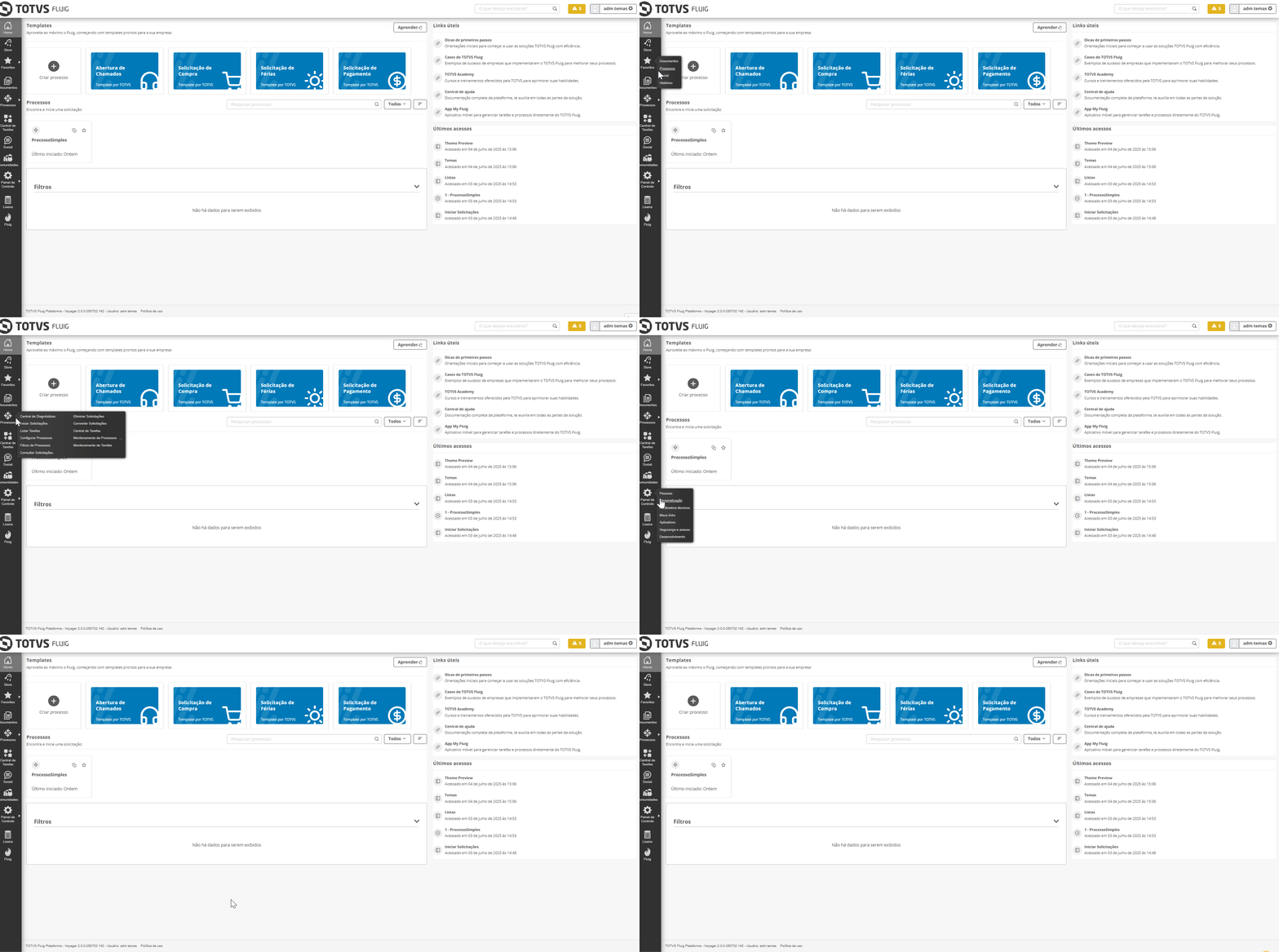
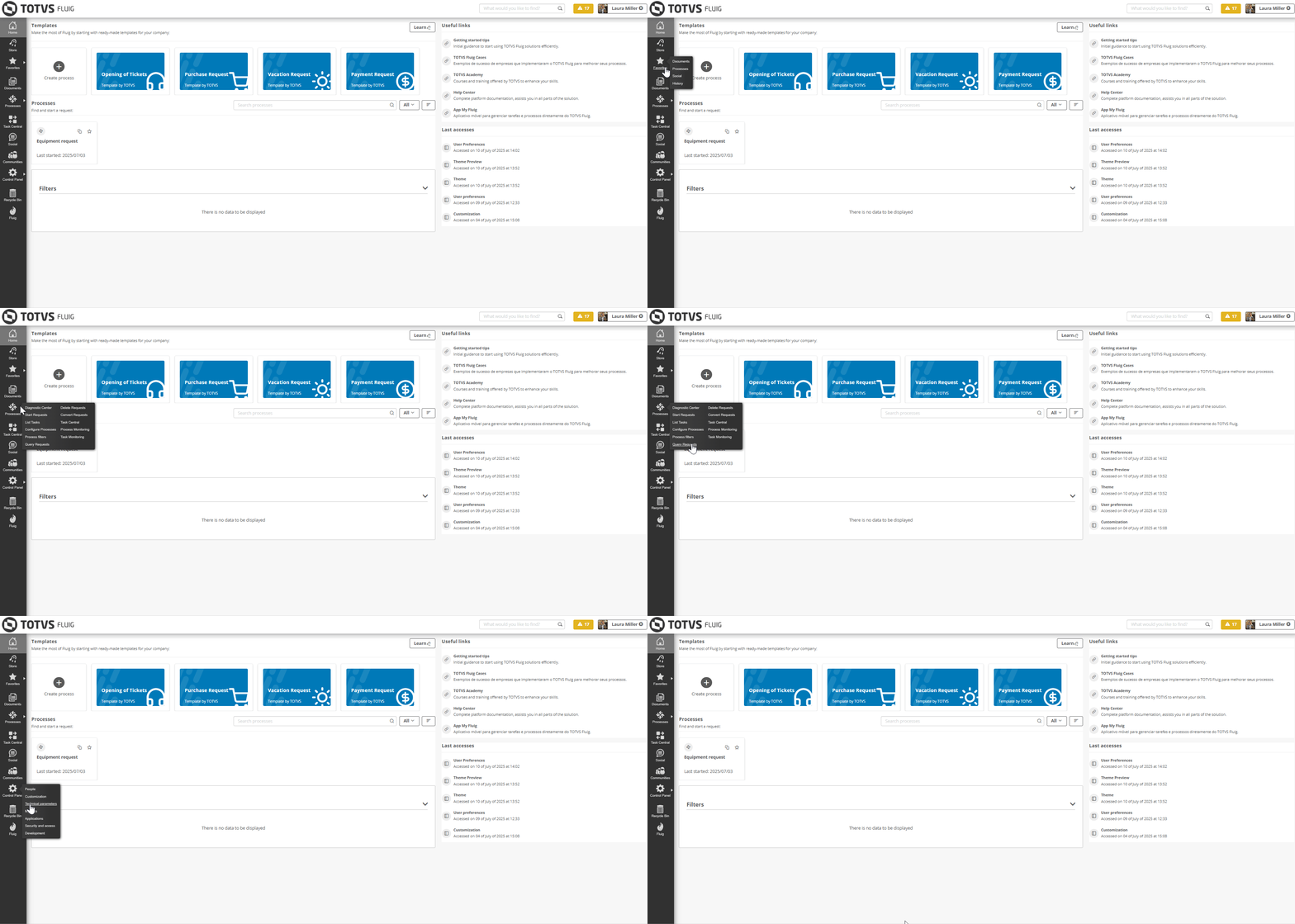
Control Panel pages are now accessible from the menu
...
| Deck of Cards | ||||||||||||||
|---|---|---|---|---|---|---|---|---|---|---|---|---|---|---|
| ||||||||||||||
|
Processes: an editor that allows you to create flows with more autonomy and less coding dependency
...
Just as the process editor has undergone modernizations, the form editor has also arrived with a new experience for you, who create and edit process forms: With new fields, properties, and features designed to make your routine even more intuitive, complete, and efficient.
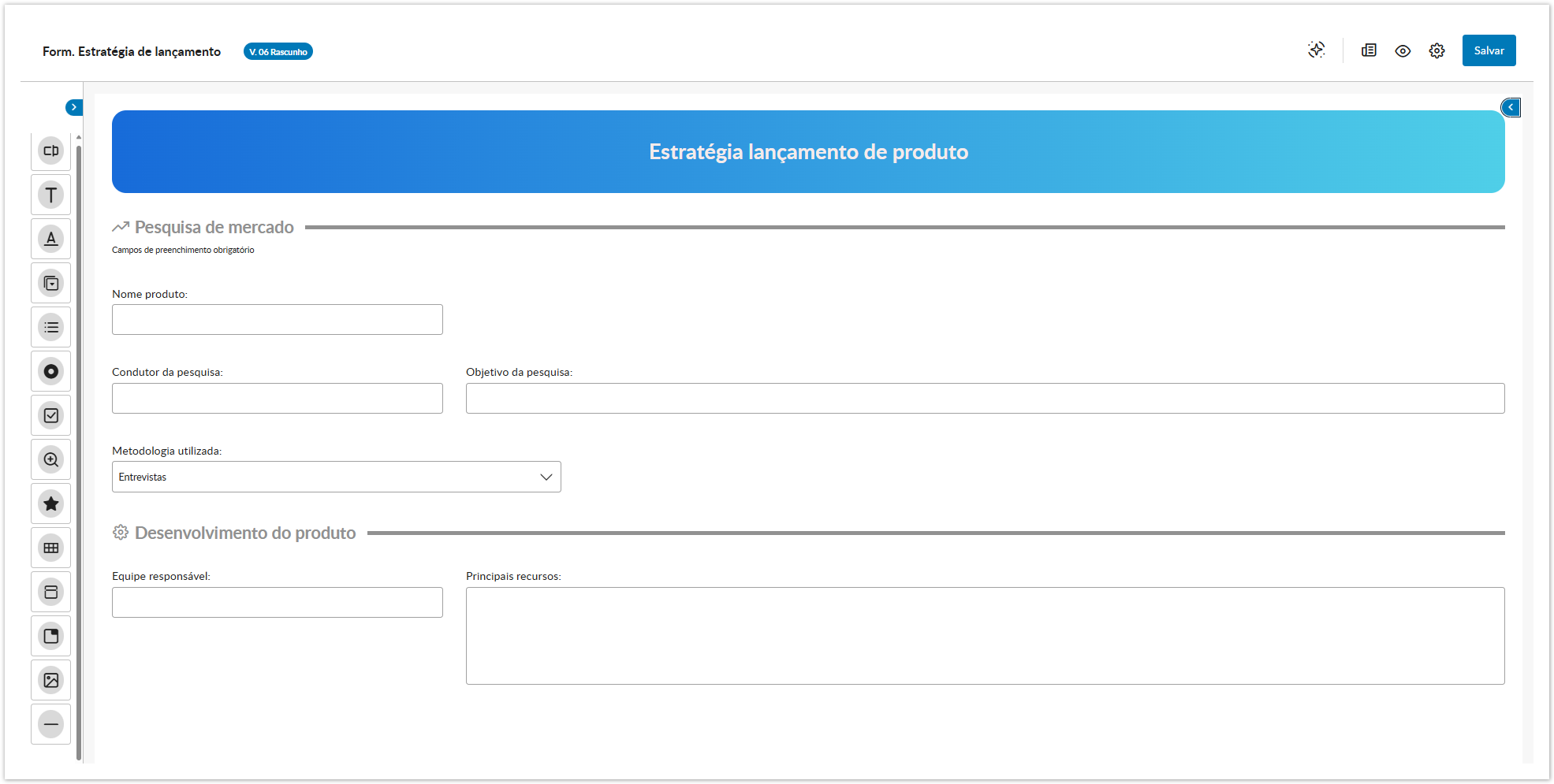

 Collapsible menu:the collapsible field menu allows for better use of the construction area, providing more space and focus during creation.
...
Fields with dataset configuration have also been enhanced, making the addition and selection of values much more intuitive and agile.


Send fields to Analytics with just one click! 
...
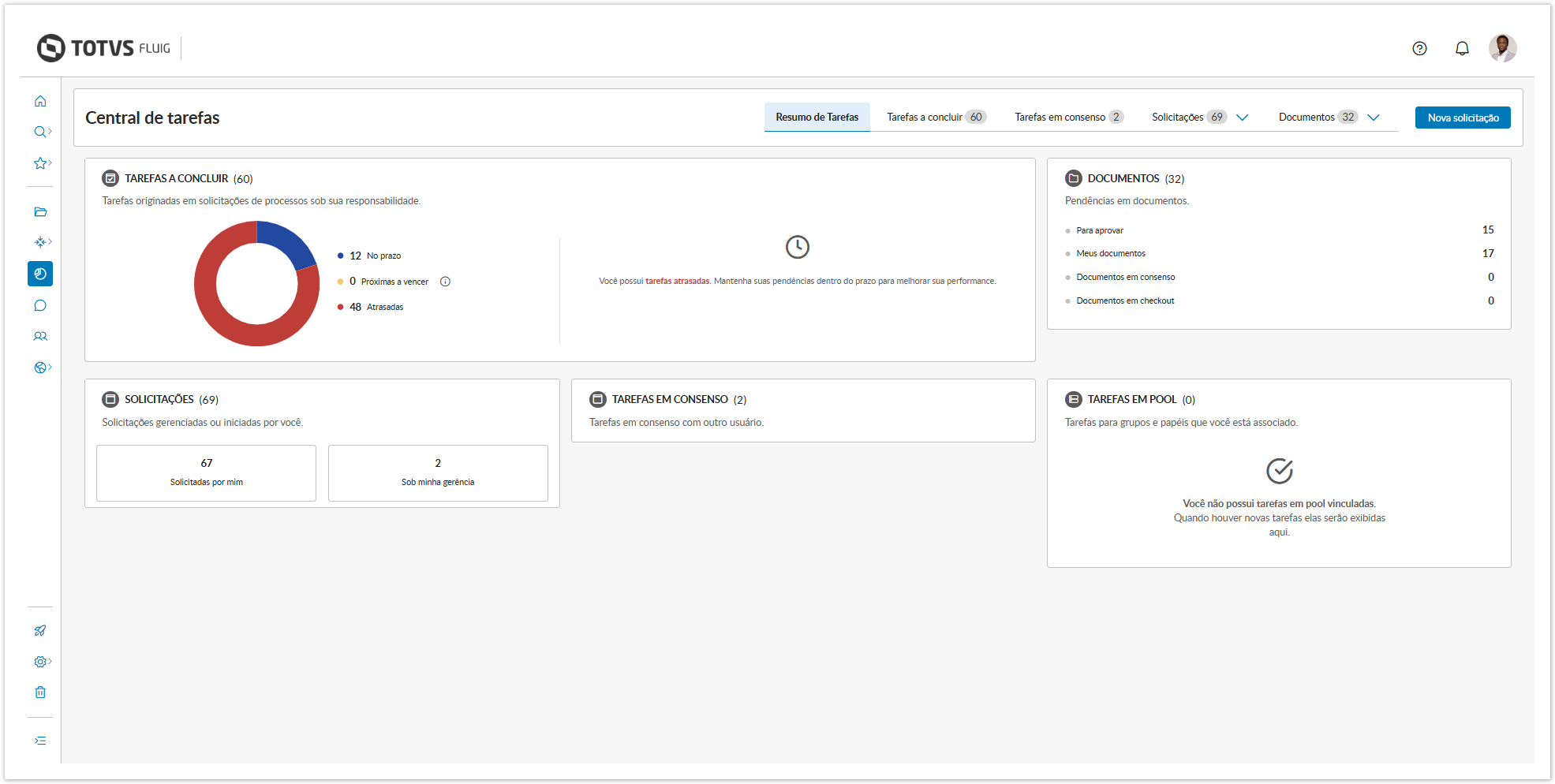
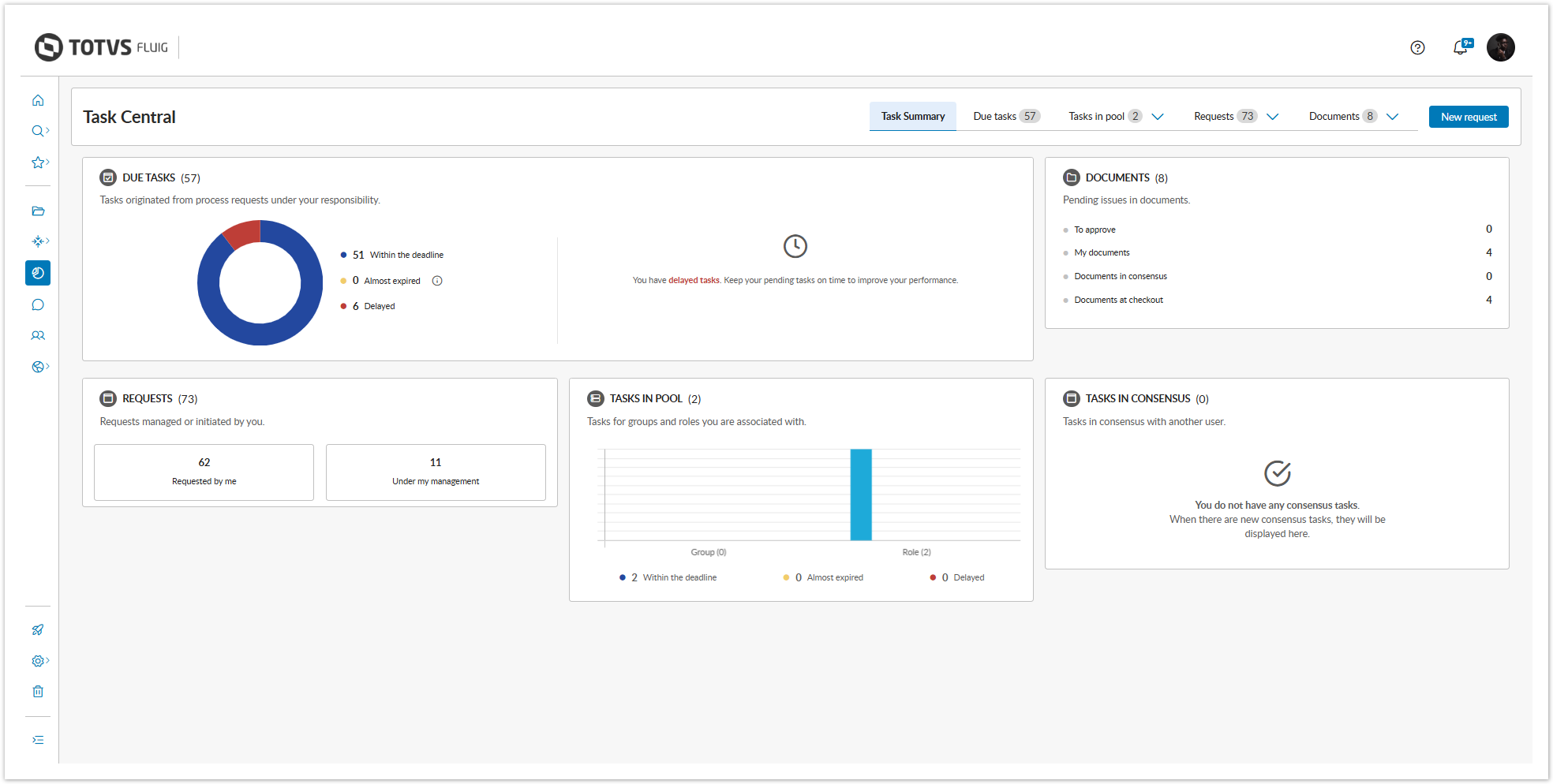
The new Task Summary tab has been modernized to provide clearer and more accessible information. The interactive charts display the status of tasks — on time, overdue, or approaching due — with visual and objective highlights. With the new Approaching Due status, you can easily identify what requires attention in the next 24 hours. The Documents panel gathers all your document-related pending items with direct access to the context.
Simplified Menu
...
The Table view is ideal for tasks with more compact information, being especially useful for data comparison.


The Board view is recommended for tasks with more detailed information, highlighting the most relevant elements of requests and forms.


The Column view allows for a more agile management of tasks, enabling you to act and monitor the progress of activities without the need to switch screens.


| Dica | ||
|---|---|---|
| ||
All view modes offer various sorting options, in addition to the ability to display tasks according to their status. The flexibility of the layout is another highlight as it provides a responsive experience, adapting to various different resolutions. |
...
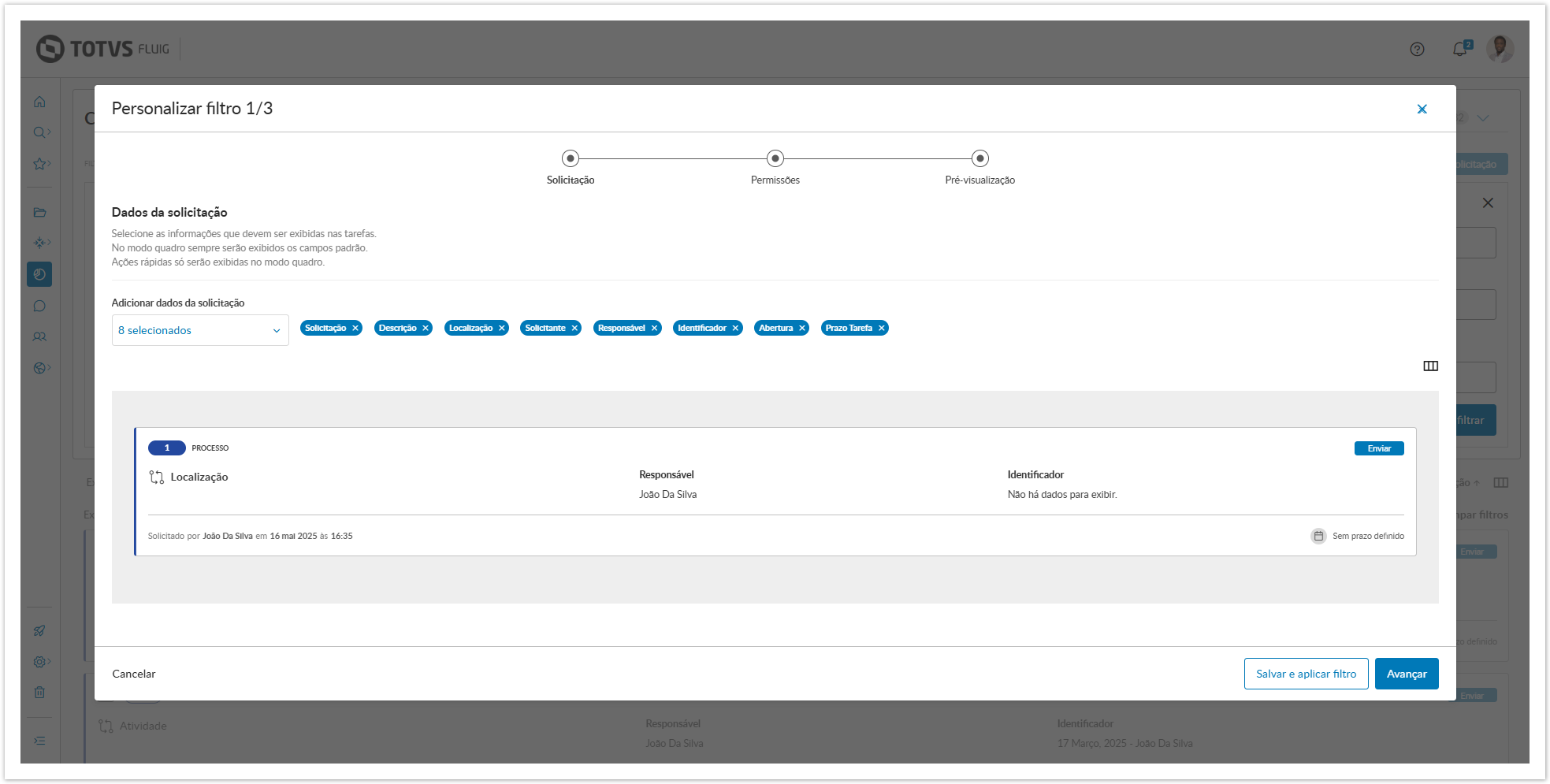
Choose the fields you want to display, mark information as sensitive data, adjust the appearance, and preview everything before saving with the preview feature, which is now available, making everything more practical and intuitive.

Faster and more intuitive bulk actions
...
Another highlight is that it is now possible to cancel tasks directly from the list, without needing to access each task individually.


Actions on documents made more practical and agile
...
And more: in all sections, it is possible to download documents individually or all at once, with just one click.


Quick access to diagrams and attachments
...
Visão Geral
Import HTML Content
Conteúdo das Ferramentas
Tarefas