Histórico da Página
| Índice |
|---|
Speaking of User Guides...
...
The Fluig Platform User Guides are dynamic and intuitive tools created to help you explore and make the most of the available resources. With them, you will receive step-by-step instructions directly in the context of use, making your experience smoother and more productive.
Operation
...
With the help of icons throughout the navigation in the User Guides, you will have more freedom to interact and locate yourself by following the indications.
- Activation: Whenever you click on the icon
 , the interactive guide starts, adapted to the screen and the current context in which you are working.
 - Navigation: Use the buttons
 to go back or forward between the steps of the guide. This allows you to follow at your preferred pace.
 - Interruption: If you need to interrupt the guide at any moment, just click on close
 .
.
Display
...
There are two ways to display the User Guide in the Fluig Platform. The first option is on the general page and the second option is in the modal.
The first option is on the general page, when the context involves broad resources or navigation between different features. Find the guide in the lower right corner of the page, identified by the User Guide icon.
| Deck of Cards | |||||
|---|---|---|---|---|---|
| |||||
|
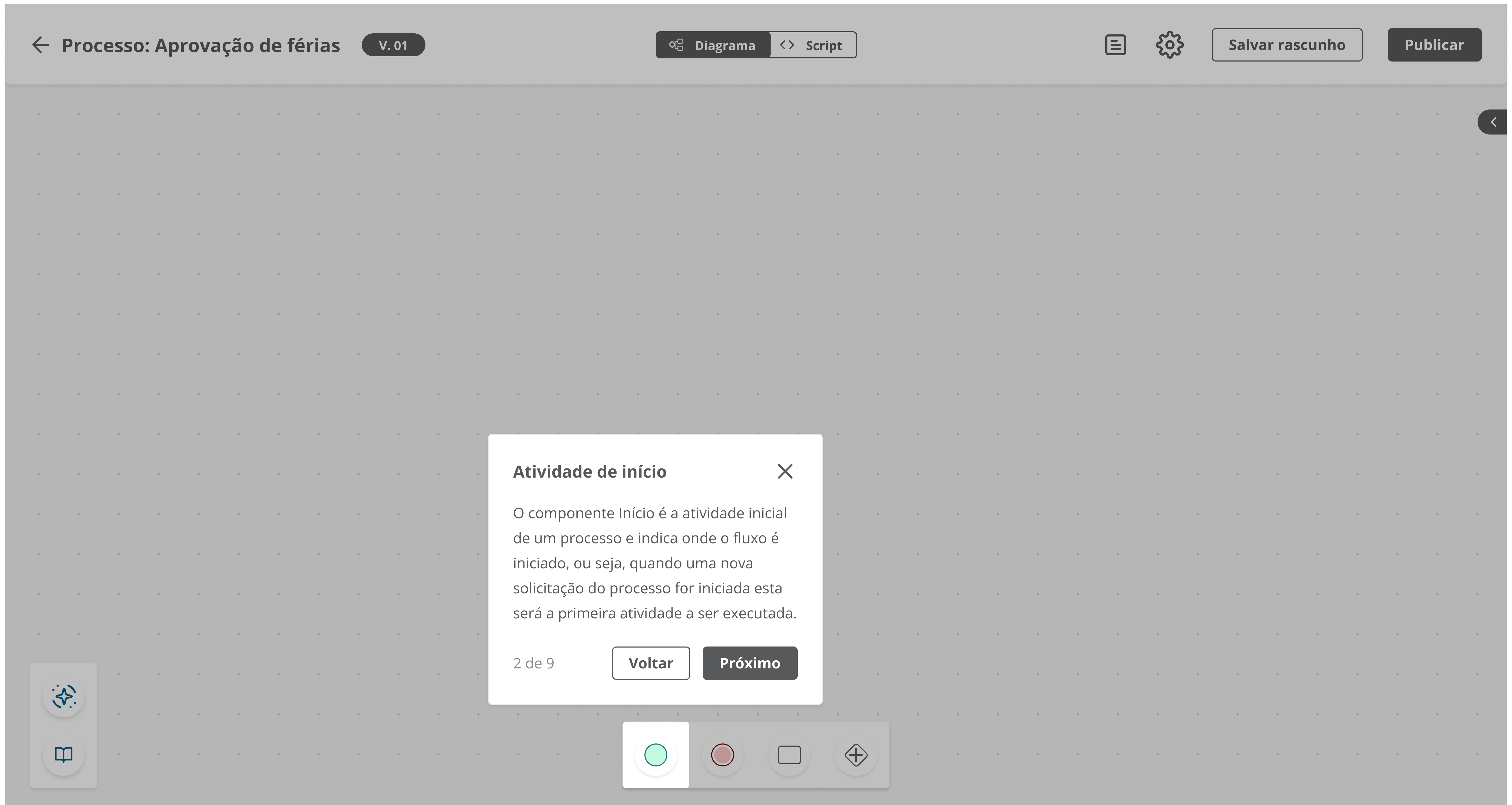
The second option is in the modal of the feature being used when the instruction is specific to a task or process in execution. Find the guide in the lower right corner of the modal, identified by the User Guide icon.
| Deck of Cards | |||||
|---|---|---|---|---|---|
| |||||
|
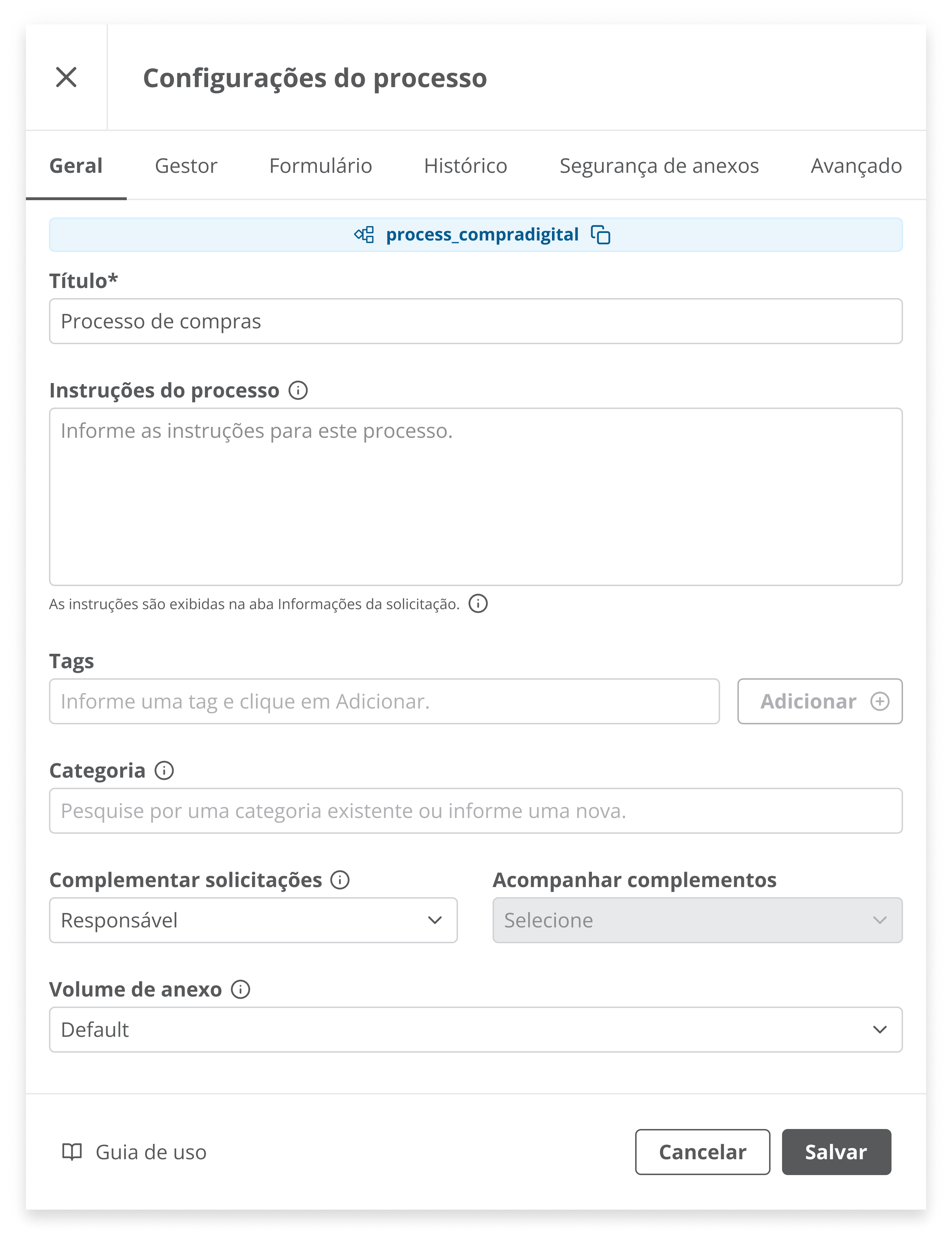
With the interactive guides, you will have a more intuitive and optimized experience, exploring the resources of the Fluig Platform with greater ease and efficiency.
Here, you will be guided through the main steps to explore all functionalities easily. You can also restart or resume the guide as many times as you need to clear your doubts and master the use of the tool.
To ensure the proper functioning of the interactive guides, you need to use a recent version of the platform. Make sure your system is updated to fully enjoy this feature.
| Informações | ||
|---|---|---|
| ||
This documentation is valid from the Voyager (- 2.0 ) - update onwards. If you use an earlier version, it may contain information different from what you see in your platform. |
Visão Geral
Import HTML Content
Conteúdo das Ferramentas
Tarefas