...
In the main page of the routine, find the following options:
 Image Removed
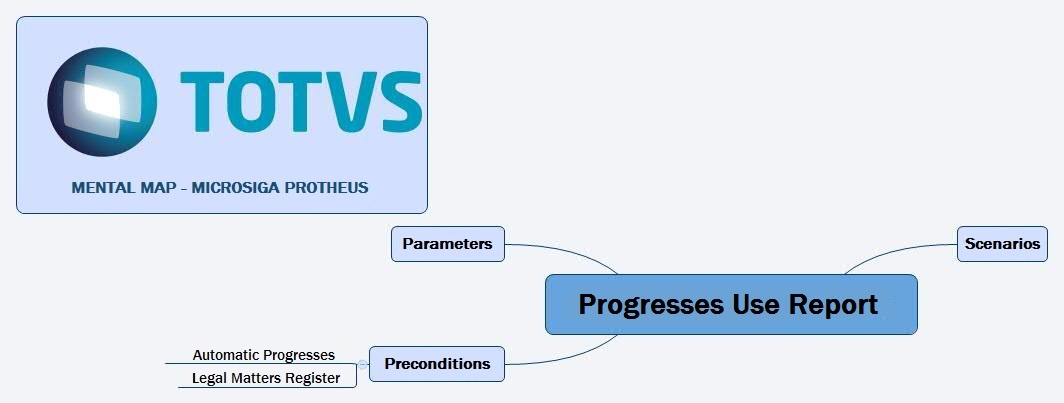 Image Added
See below how this routine operates.
| Deck of Cards |
|---|
| effectDuration | 0.5 |
|---|
| history | false |
|---|
| id | samples |
|---|
| effectType | fade |
|---|
|
| Card |
|---|
| default | true |
|---|
| id | 1 |
|---|
| label | Configuração da impressãoPrinting Configurations |
|---|
| - Upon accessing the routine, a configuration screen is displayed.
- Configure os dados Tipo e à direita Configurações; Configure the data Type and, to the right, Configurations.
- Access Other Actions and select either Customize or Configure.
- Configure them and, to continue, click Print.
- The system displays the printing.
- To exit without printing, click Close.
|
|
Related Contents
| Âncora |
|---|
| principaiscampos |
|---|
| principaiscampos |
|---|
|
...
