...
| Informações |
|---|
|
For this report to work, follow the documentation below to configure Smart View in your environment: Smart View - Configuration of the Protheus product integrated with Smart View.
| Aviso |
|---|
| This feature is on a test phase with pilot customers, being officially introduced in Release 12.1.2310. This page and the feature may change until the release date of the feature. |
|
02. EXAMPLE
| Informações |
|---|
|
Report: 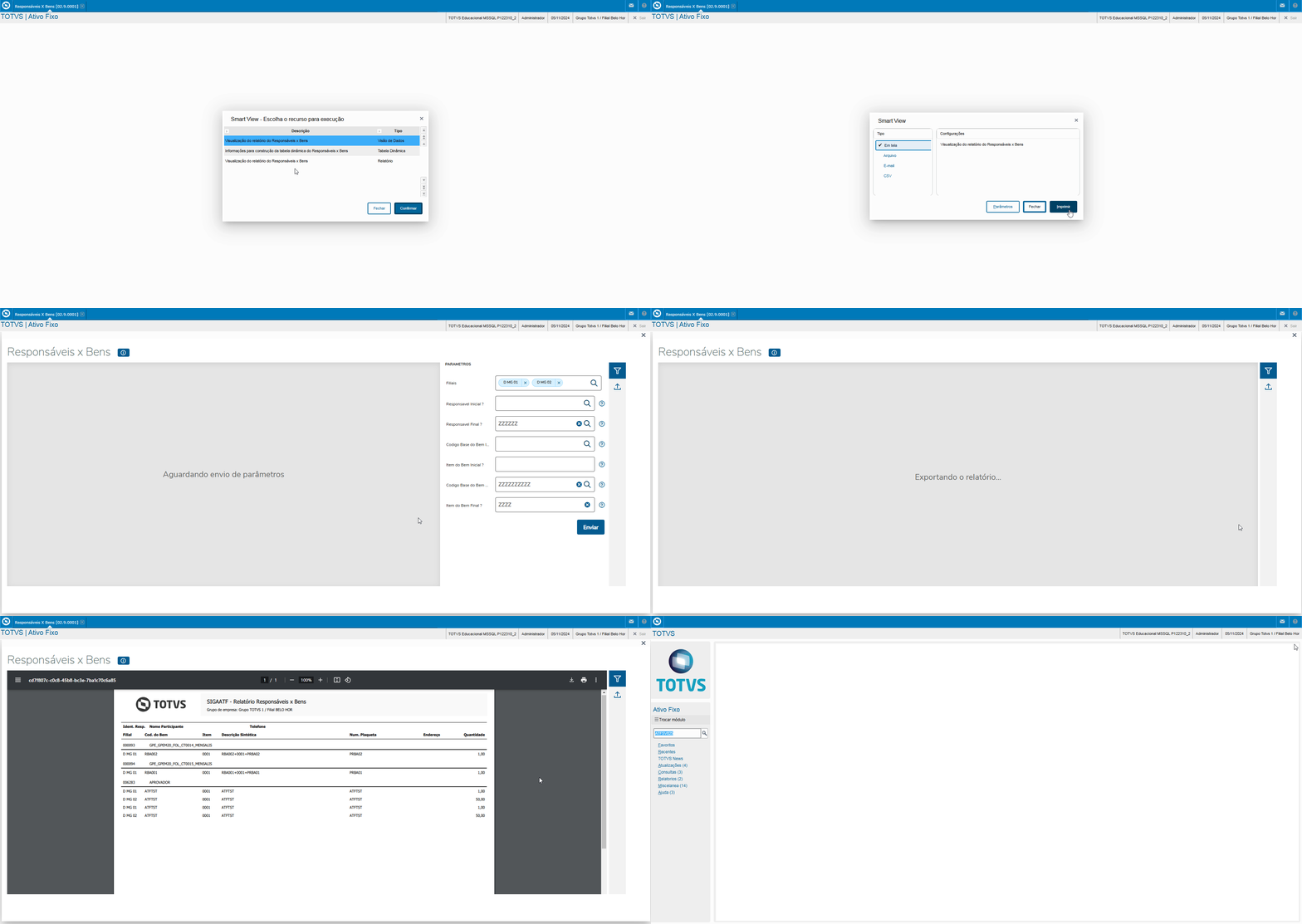 Image Added Image Added
Data View: 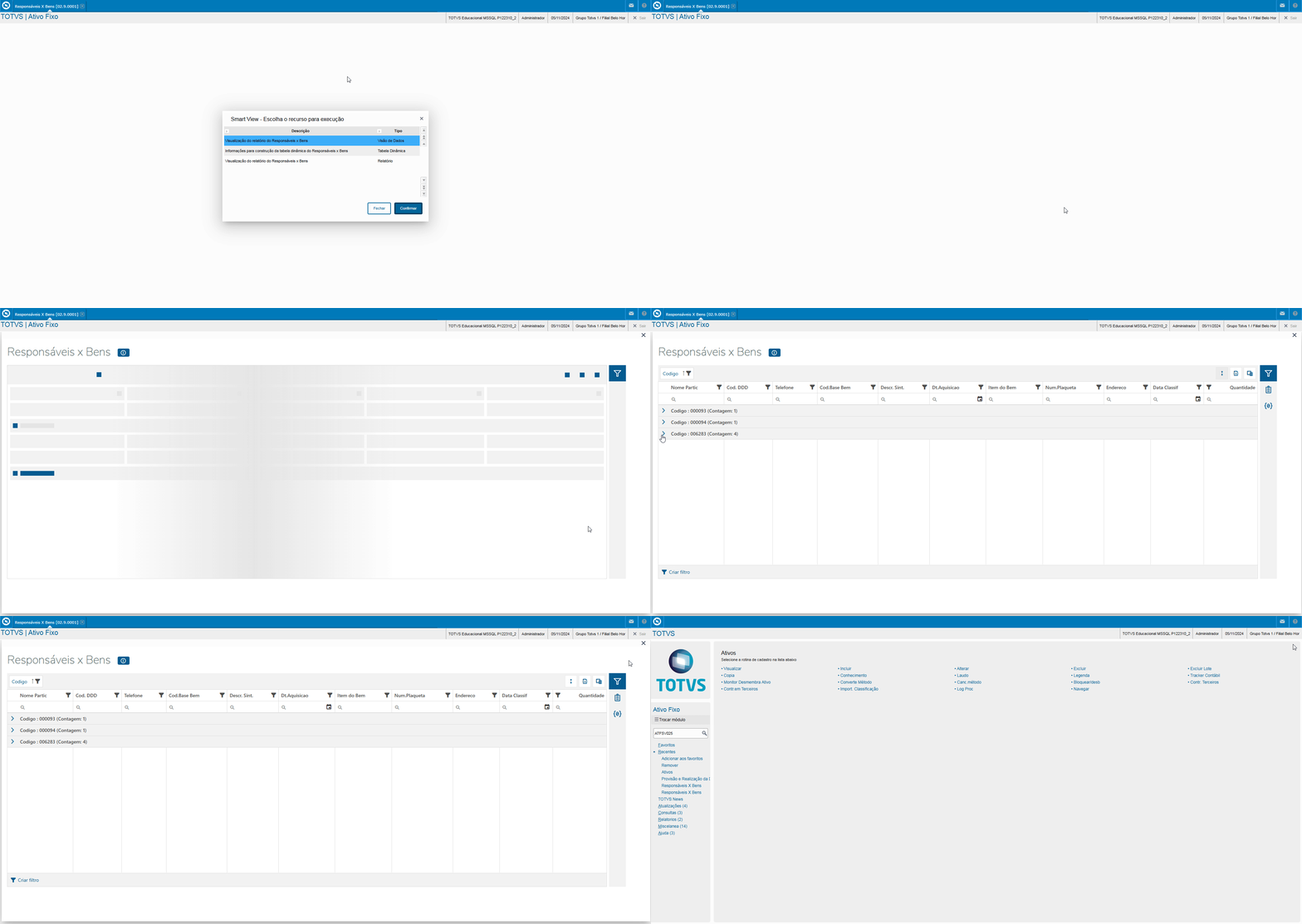 Image Added Image Added
Dynamic Table:  Image Added Image Added
| Aviso |
|---|
| We must highlight that organizing the dynamic table is up to the customer, who must structure it appropriately, depending on their needs and the rules defined, considering the fields available in the schema and parameter settings. |
Parameters: Parameters | Description | Activated in business object? | SV_MULTBRANCH | Branches | Yes | MV_PAR01 | Initial Responsibility ? | Yes | MV_PAR02 | Final Responsibility ? | Yes | MV_PAR03 | Base code of the Initial Good ? | Yes | MV_PAR04 | Initial asset Item ? | Yes | MV_PAR05 | Final good base code ? | Yes | MV_PAR06 | Final asset item ? | Yes | MV_PAR07 | Select Branches? | No |
| Aviso |
|---|
| Parameters set to No in the list above are hidden in the report or Smart View design. These parameters neither affect the report nor its objects (Data View, Design and Dynamic Table). |
| Informações |
|---|
| title | Selection of Branches and Header in the Design |
|---|
| The features below are improvements to Smart View evolution, advising the directives below
- Framework offers the Branch Selection parameter as an improvement in Smart View, implemented in all modules that use this feature in their reports.
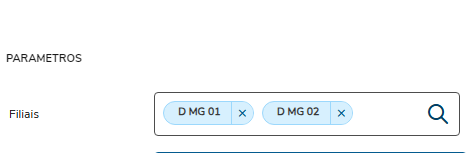 Image Added Image Added
- The branch description on the report header is an improvement to the Smart View design that is expected to be released in upcoming continuous dispatches.
 Image Added Image Added
These evolutions will be available in upcoming continuous dispatches, in accordance with the calendar and the release schedule. For further information, refer to the link below. Update Packages - Fixed Assets |
|
03. BUSINESS OBJECT FIELDS
Name Displayed | Description | Origin |
Acquisition Dt | Acquisition Date | N1_AQUISIC |
Registration No. | Registration Number | N1_CHAPA |
Summ. Descr. | Summarized Description | N1_DESCRIC |
Classif Date | Classification Date | N1_DTCLASS |
Address | Address | N1_LOCAL |
Quantity | Asset Quantity | N1_QUANTD |
Asset Base Cd | Base Code of Asset | ND_CBASE |
Branch | System Branch (SND) | ND_FILIAL |
Asset Item | Asset Item | ND_ITEM |
Code | Participant Code | RD0_CODIGO |
DDD Code | Phone DDD Code (Anonymized LGPD) | RD0_DDD |
Phone | Phone (Anonymized LGPD) | RD0_FONE |
Partic Name | Participant Name | RD0_NOME |
Company Name | Logged Company Name | System |
Branch Name | Logged Branch Name | System |
You can run the Persons Responsible vs. Assets business object through the Protheus menu using the program ATFSV025.
05. TABLES
- SN1 - Fixed Assets
- SND - Persons Responsible for Assets
- RD0 - People/Participants
