
Histórico da Página
...
Open the appserver.ini file, then add row {*}StartSysInDB=1* to the Environment sectionWiki Markup \[P12DB\] SourcePath=C:\TOTVS 12\Microsiga\protheus\apo\ RootPath=C:\TOTVS 12\Microsiga\protheus_data CtreeRootPath=C:\TOTVS 12\Microsiga\protheus_data StartPath=\system\ x2_path= RpoDb=top RpoLanguage=Portuguese RpoVersion=120 LocalFiles=CTREE Trace=0 localdbextension=.dtc HELPSERVER=localhost:8079 TopMemoMega=1 DBAlias=P12DB DBServer=localhost DBDatabase=MSSQL DBPort=7890 StartSysInDB=1
Important:
After initialization of environment is concluded, the key STARTSYSINDB *must not* be removed from the configuration file of the environment. Removing the key may lead to problems in the Protheus environment.
...
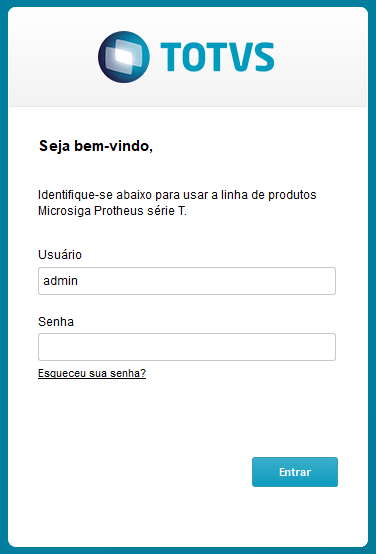
When the login window is displayed, access with the Admin user. More tables are created at this moment.
Information:
If the initialization is interrupted by the user in any moment, the process restarted and continues from where it started, not being necessary to restore the database to proceed with the process.
...
Visão Geral
Import HTML Content
Conteúdo das Ferramentas
Tarefas