CONTENTS
| Índice |
|---|
| exclude | CONTENTS|Activation of Acceleration|End of Acceleration |
|---|
|
01. OVERVIEW
You can use this routine to accelerate depreciation in batches, to automate the addition of type 07 - Acceleration of Depreciation to a set of selected assets.
...
| Informações |
|---|
|
The Accelerated Depreciation in Batches routine is a Wizard that offers two options, to add and close the asset 07, as the user has configured in their parameter settings. 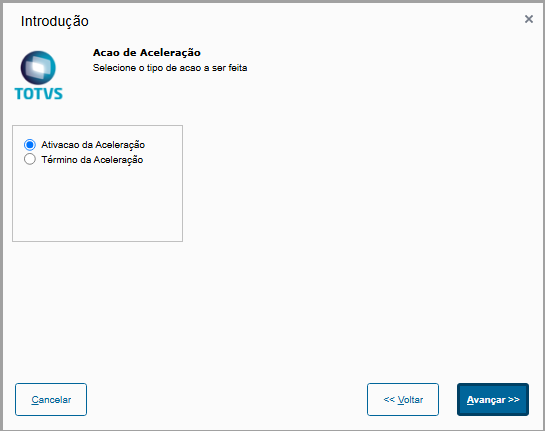
- Activation of Acceleration - Activates the type and adds it to the asset form, to incorporate and use the accelerated depreciation.
- End of Acceleration - Close/Post the use in the asset form of type 07 of accelerated depreciation
Activation of Acceleration
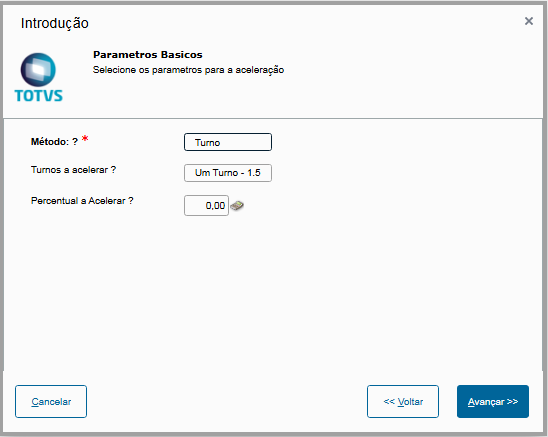
As shown below: - Method: acceleration method. In this option, select whether the acceleration item depreciation rate to be created should be calculated based on the Shift - with options of 50% and 100% (One Shift - 1.5 and Two Shifts 2.0, respectively) - or by a Percentage to be defined by the user.
- Shift to accelerate: If the method is by shift, choose whether the depreciation rate is accelerated by 50% or 100%.
- Percent to Accelerate: if the method is by Percent, enter the acceleration rate
There may be two asset filtering options: - By Range: questions (From/To) for selecting the range of assets to be processed.
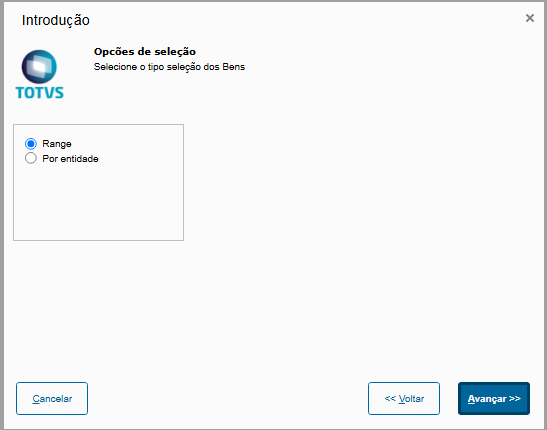
- By Entity: select the entities (Asset Group, Depreciation Account, Cost Center, Accounting Items, Value Class) whose assets will be processed.
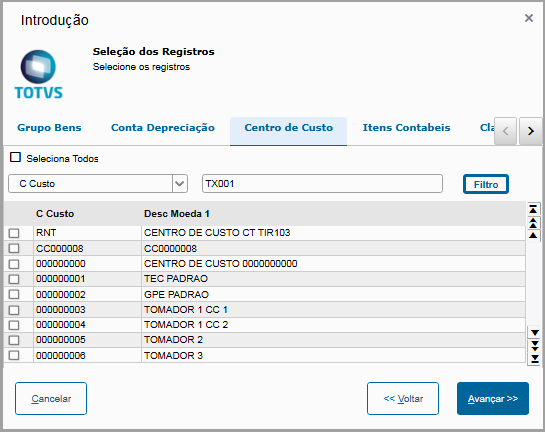
After setting the parameters above, the range filtering is displayed for selecting the assets to have the incorporation of type 07.
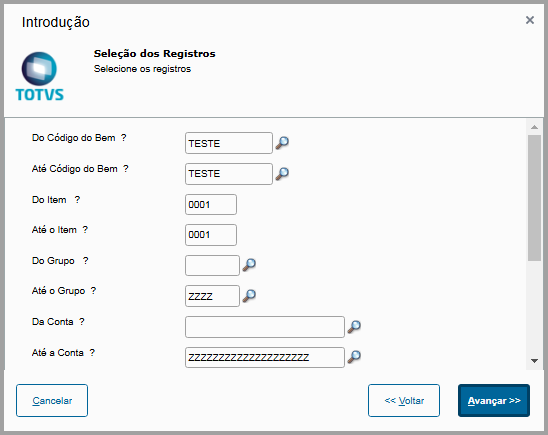
Then the new type is added to the asset form. 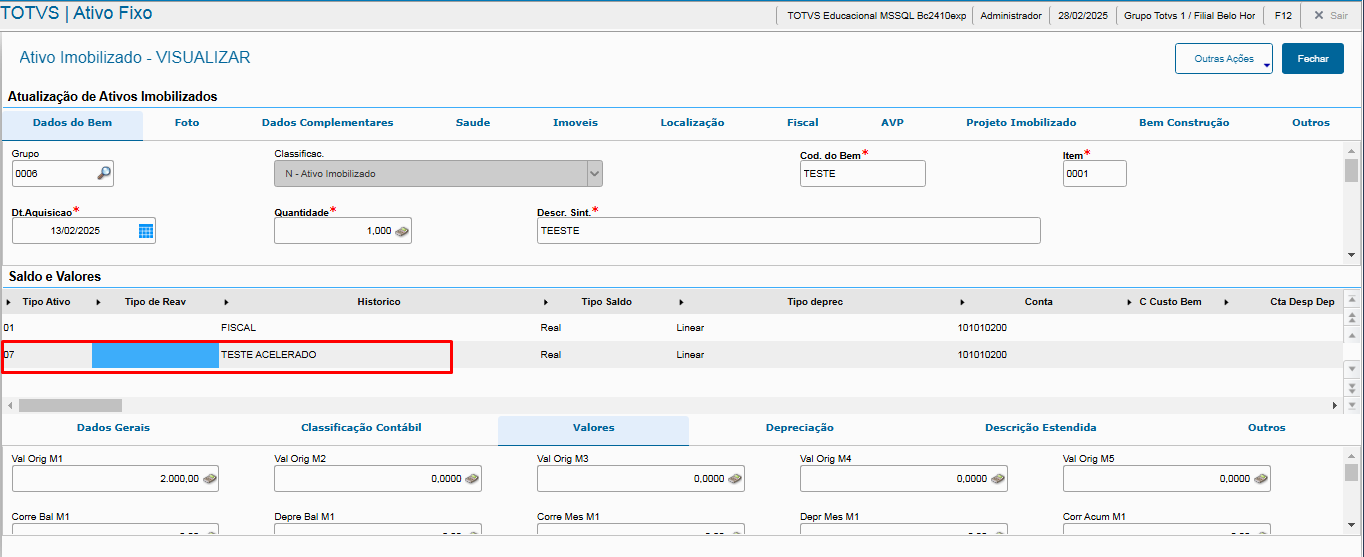
End of Acceleration: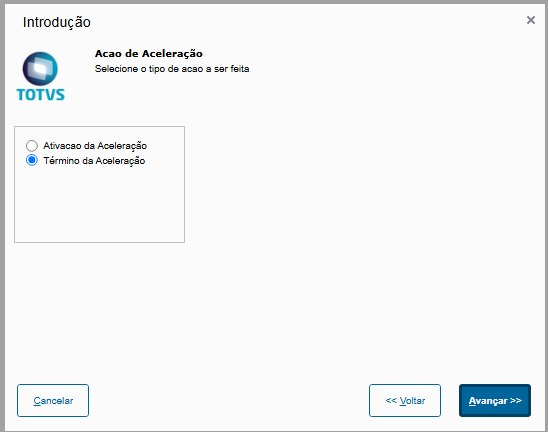
You may also select the option by Range or Entity 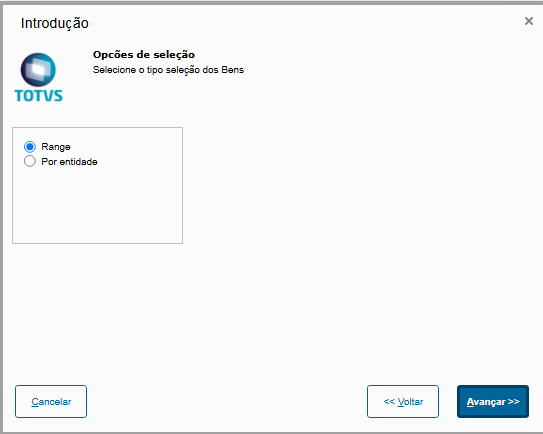
Range Filtering:
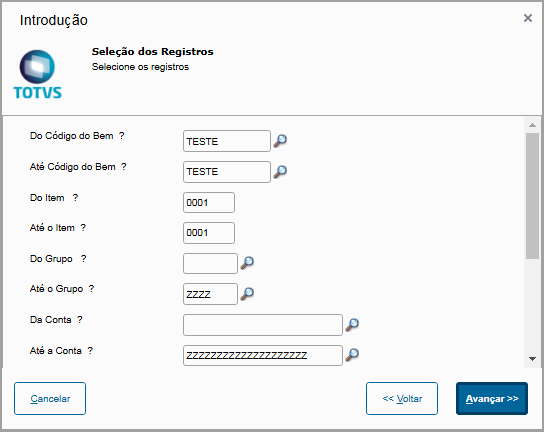
After closing the asset, it is posted in table SN4 with N4_MOTIVO equal to 08 - System Internal Operation.
| Informações |
|---|
| To correctly book it, you can use standard entry 80A to book the activation of batch acceleration of depreciation (addition of asset type '07').
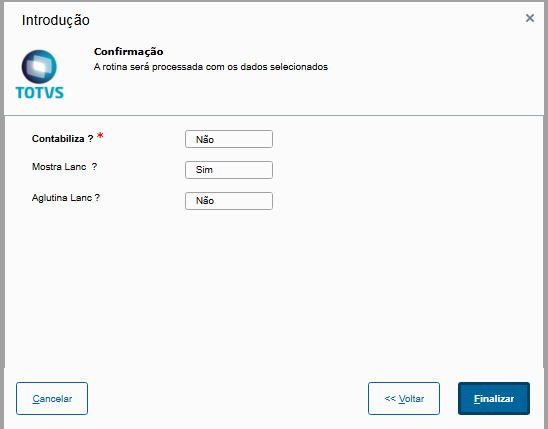
Account with booking parameter settings option: - Book: indicates whether booking is online (Yes) or offline (No).
- Show Entry: If booking is online, it indicates whether the accounting entry will be shown onscreen for confirmation.
- Group Entry: If booking is online, it indicates whether the accounting entry will be grouped.
|
|
...
