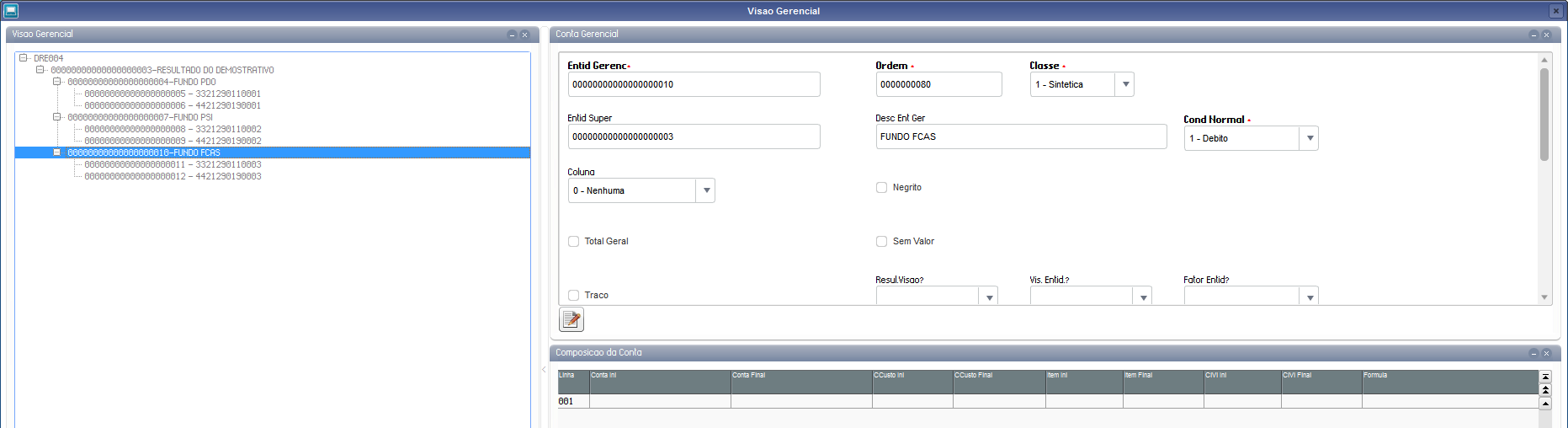
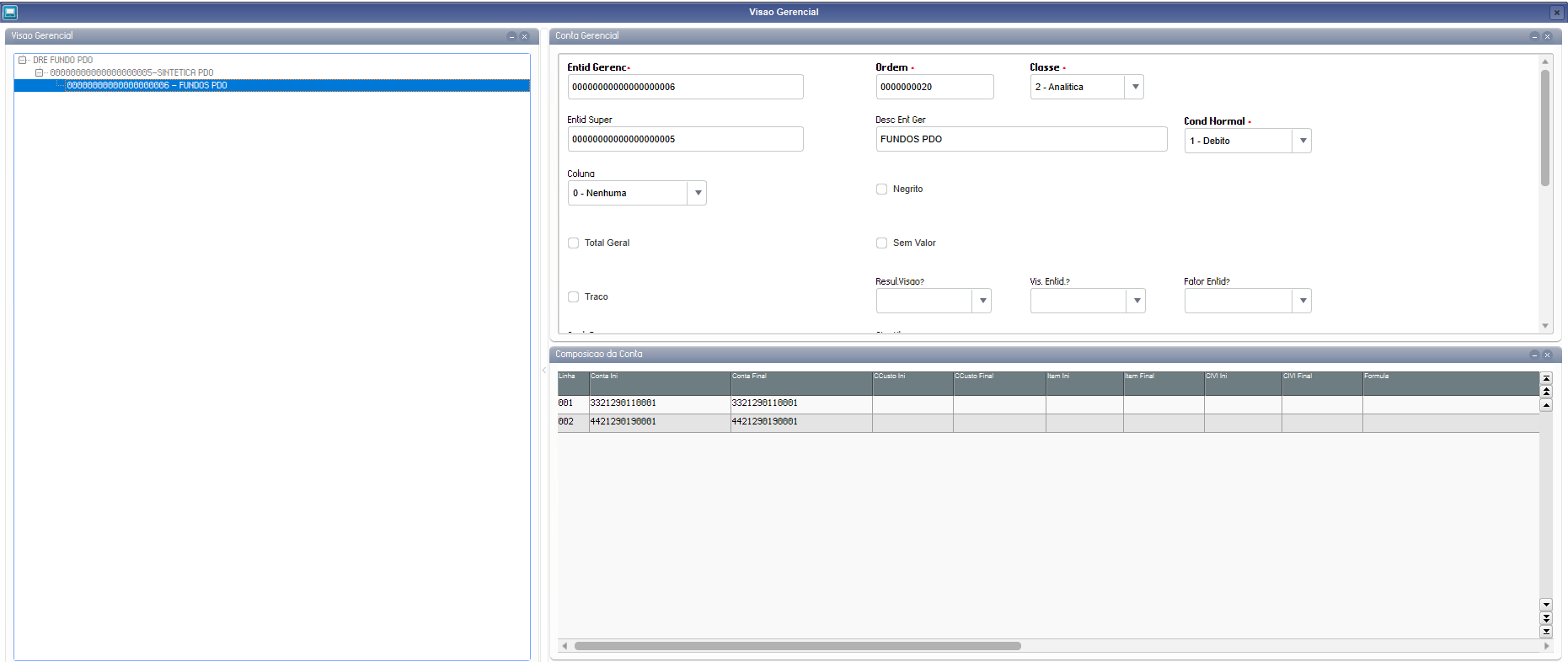
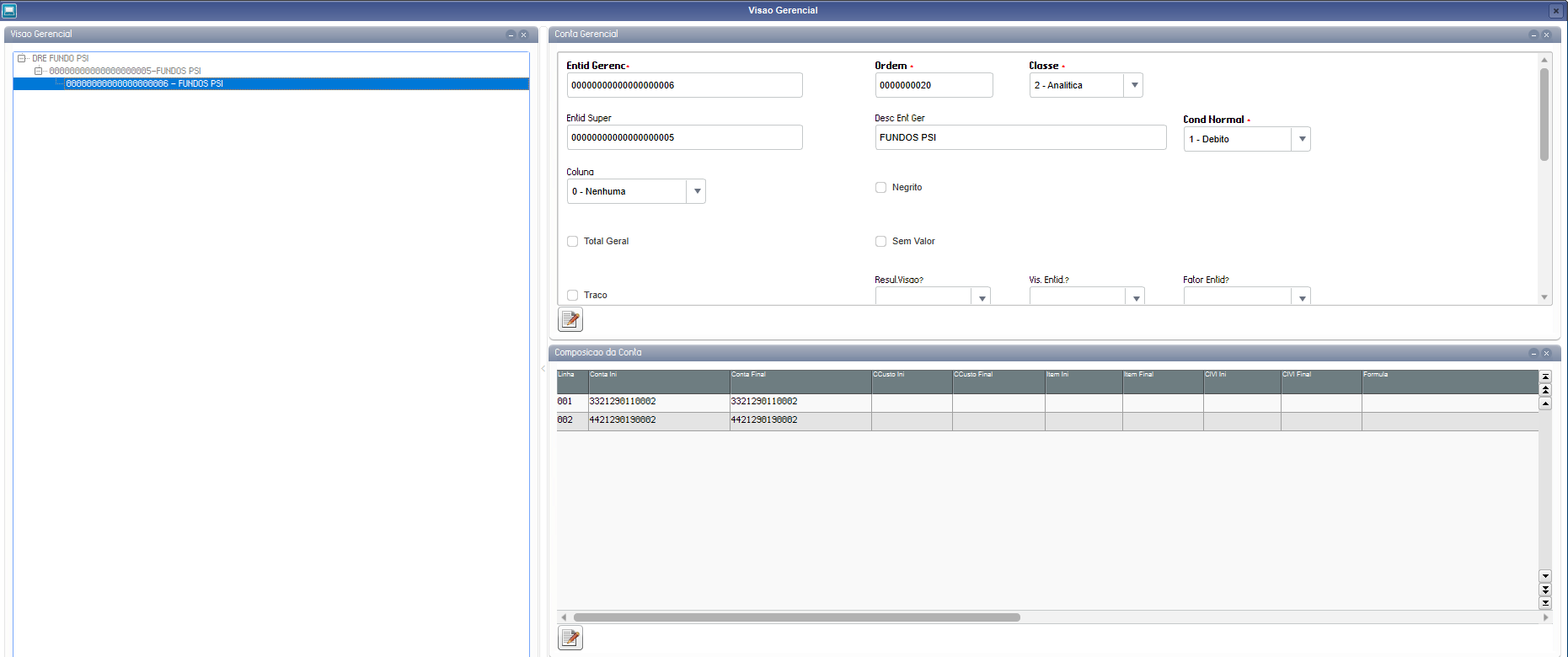
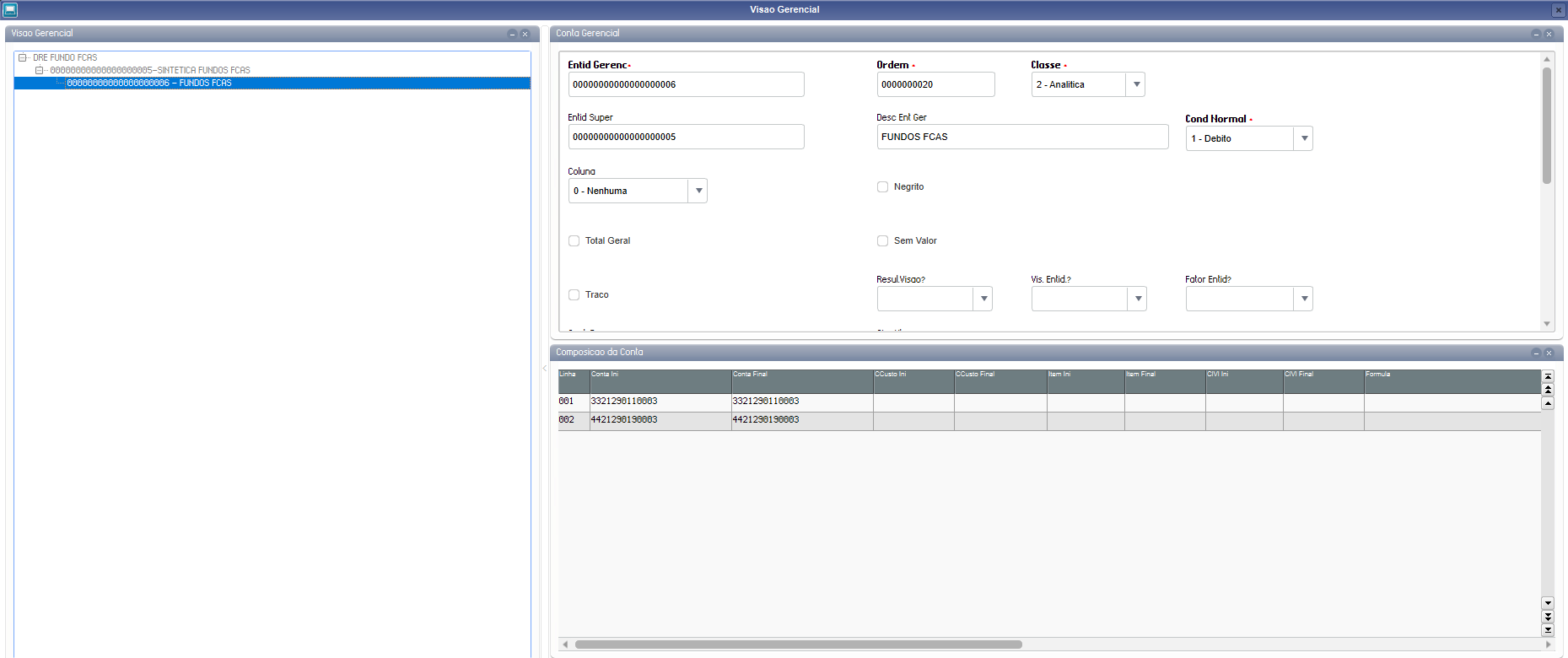
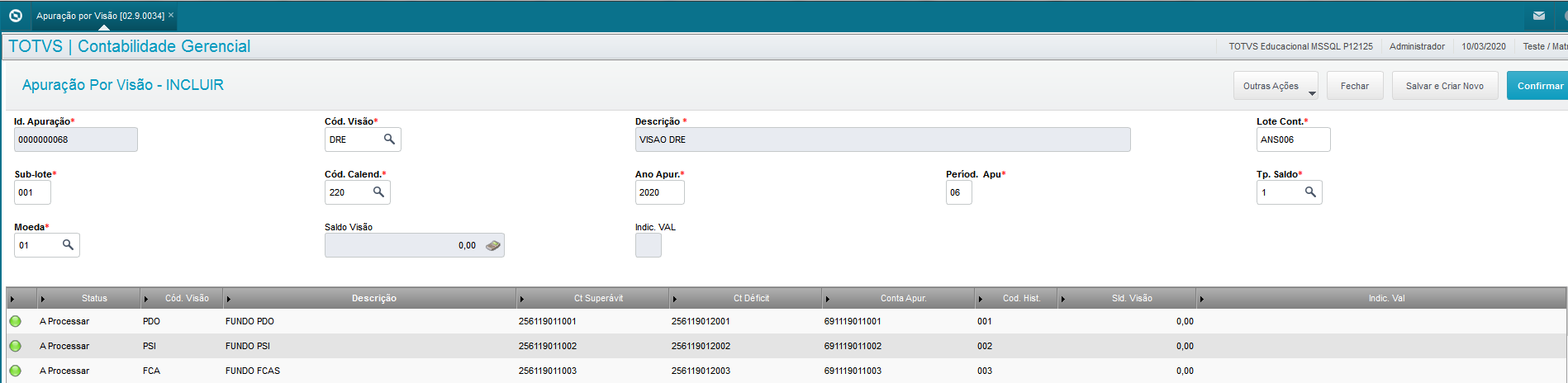
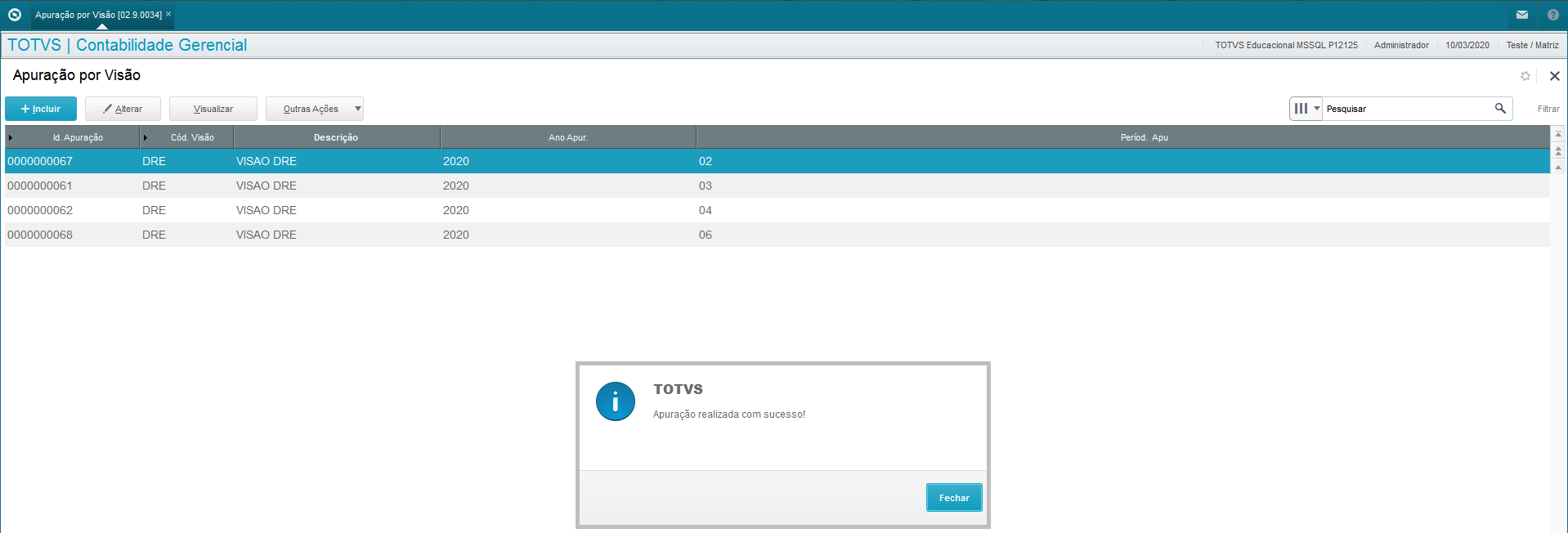
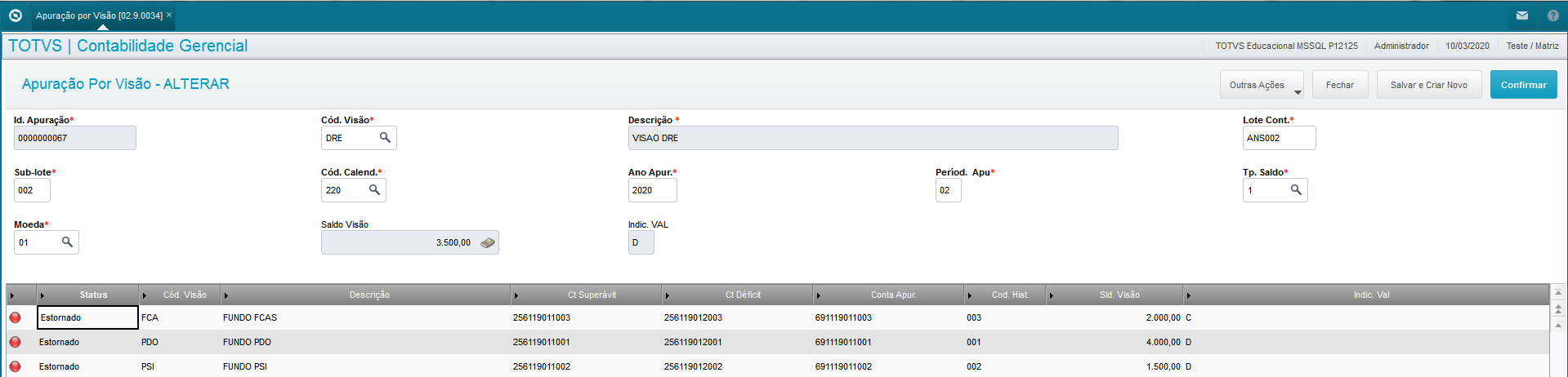
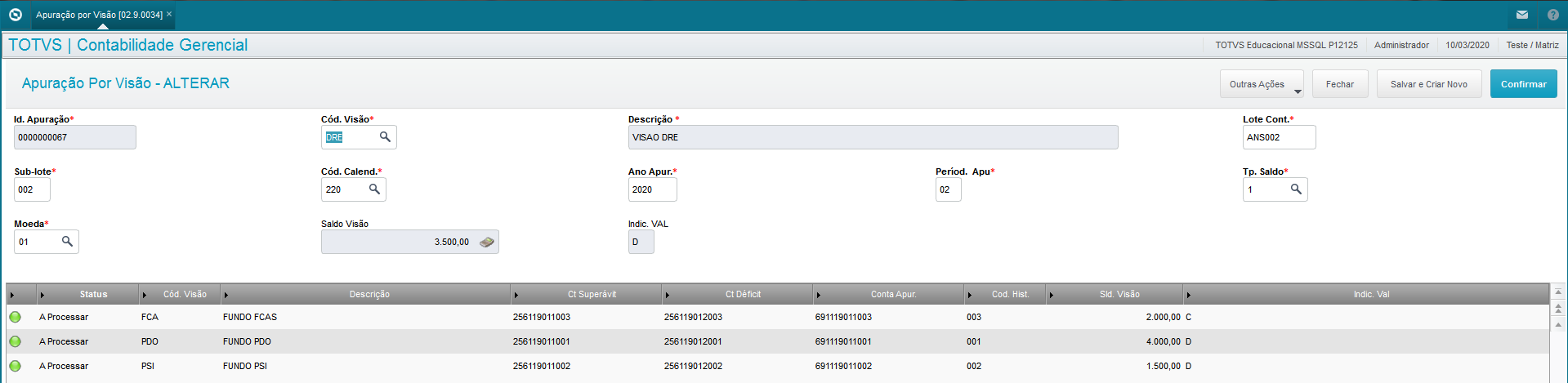
1- In the menu "Miscellaneous → Closings → Calculation by View";
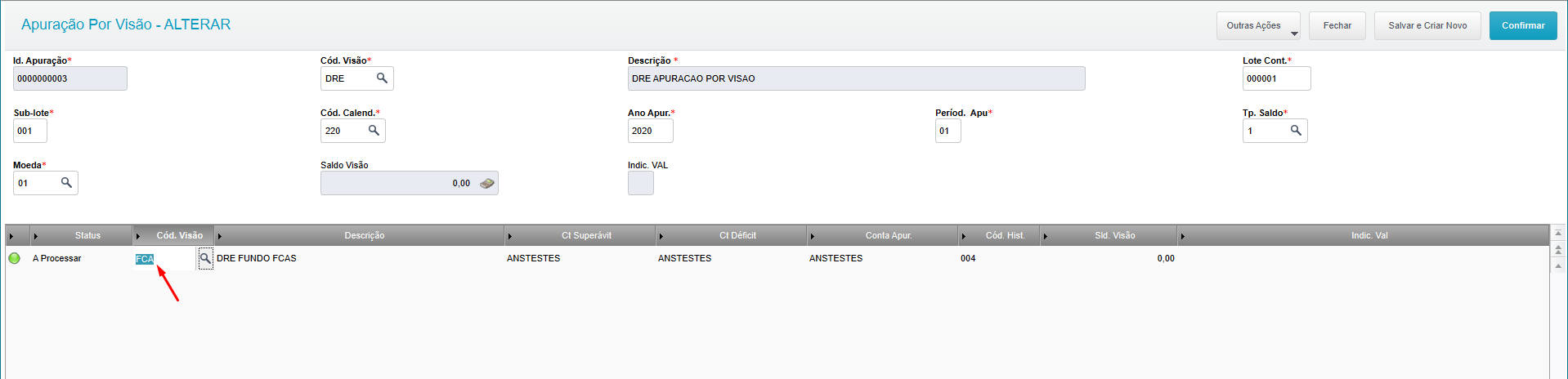
2- Place the cursor on desired view;
3- Click Edit;
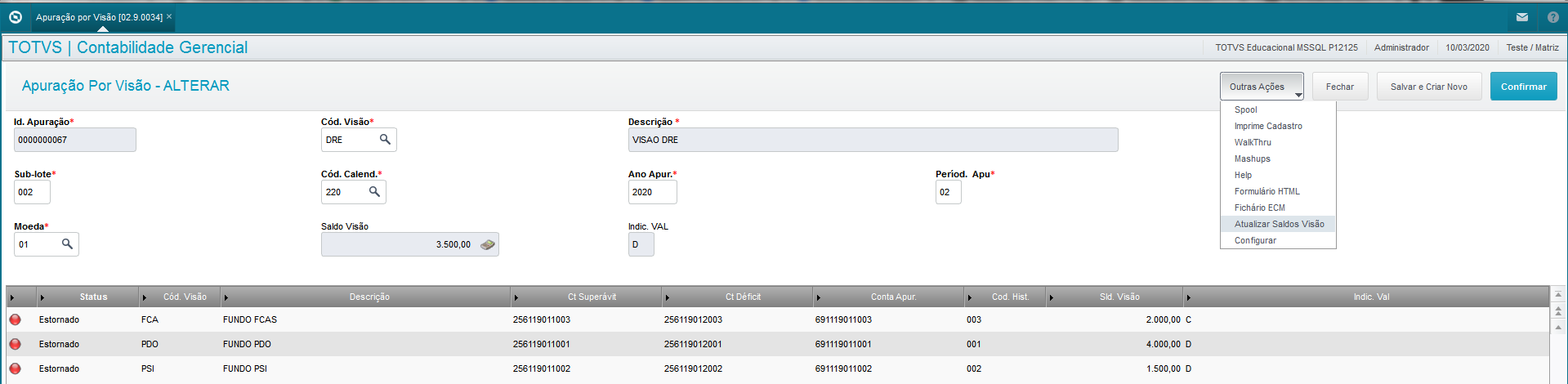
4- Other Actions → Update View Balances
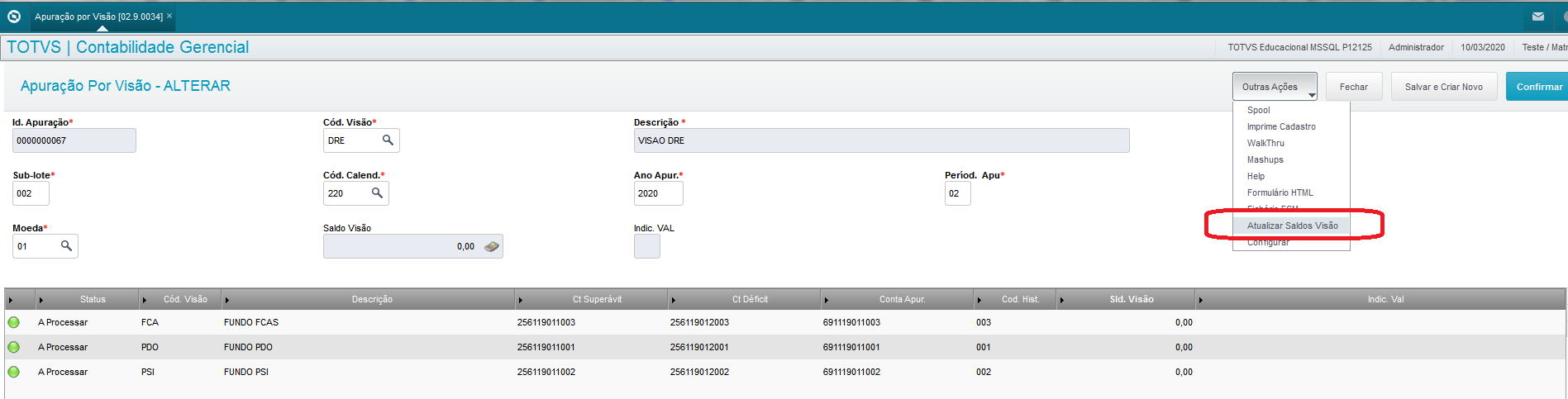
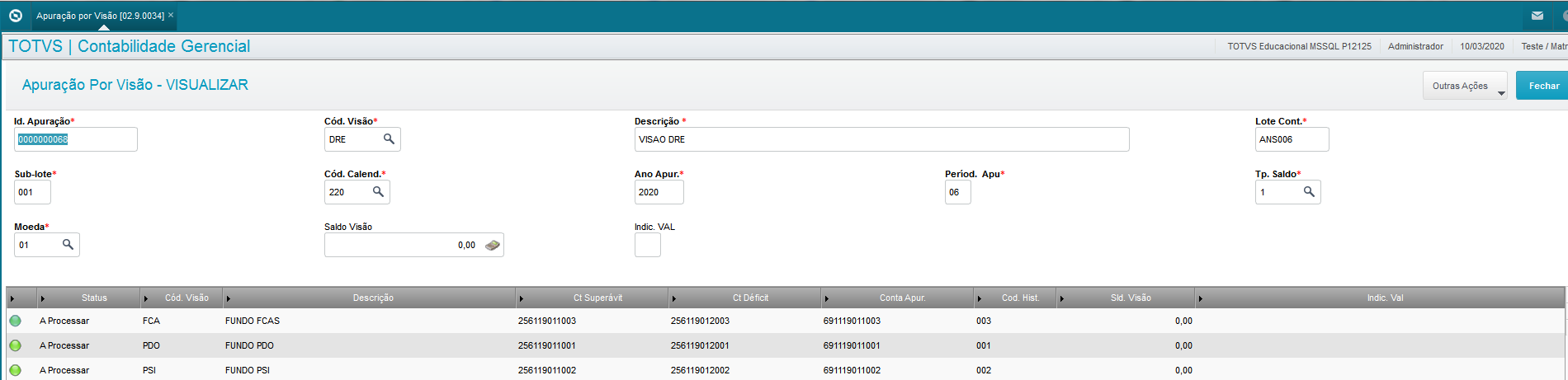
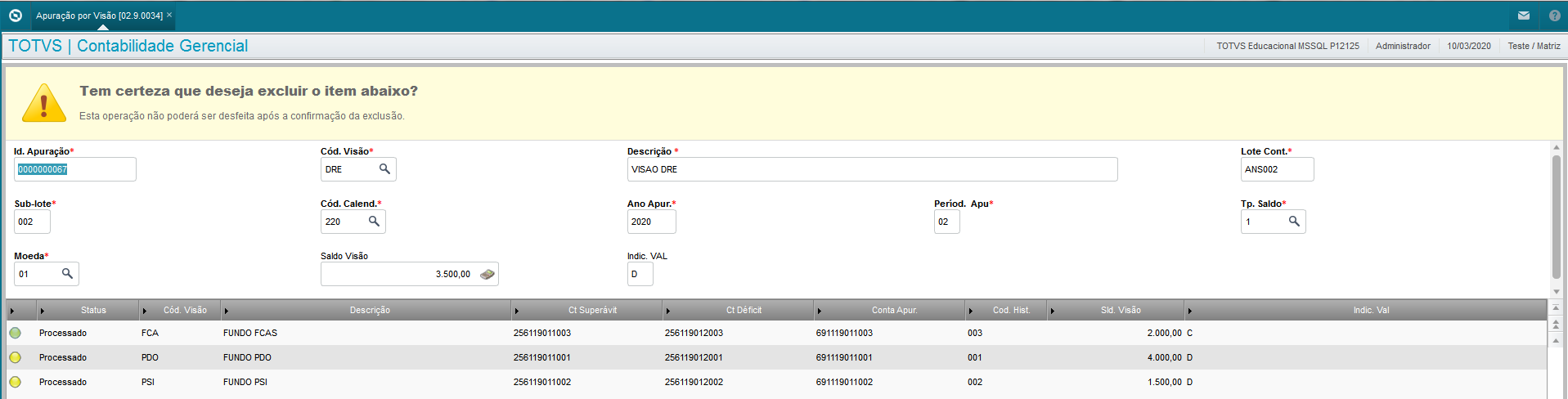
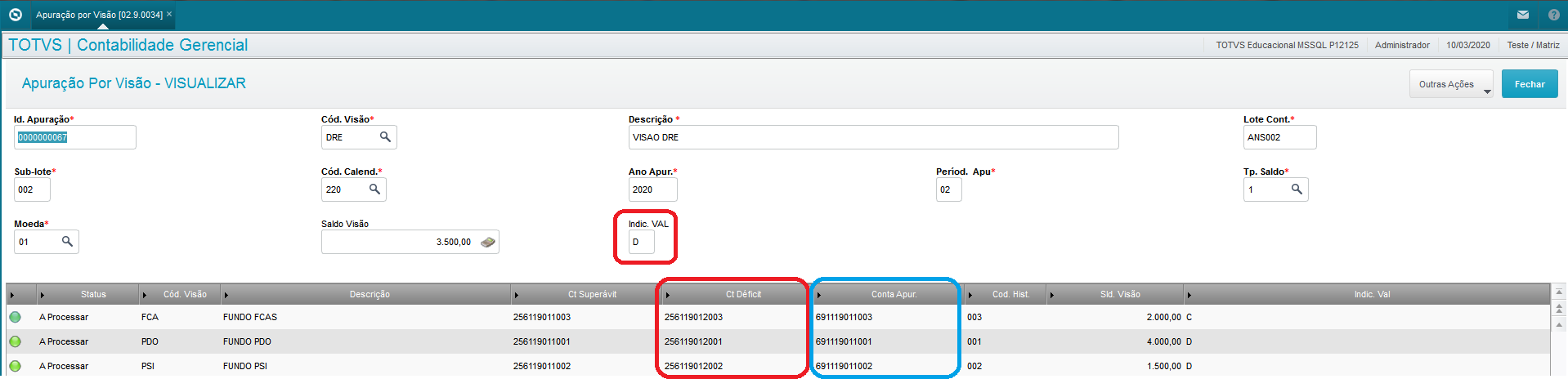
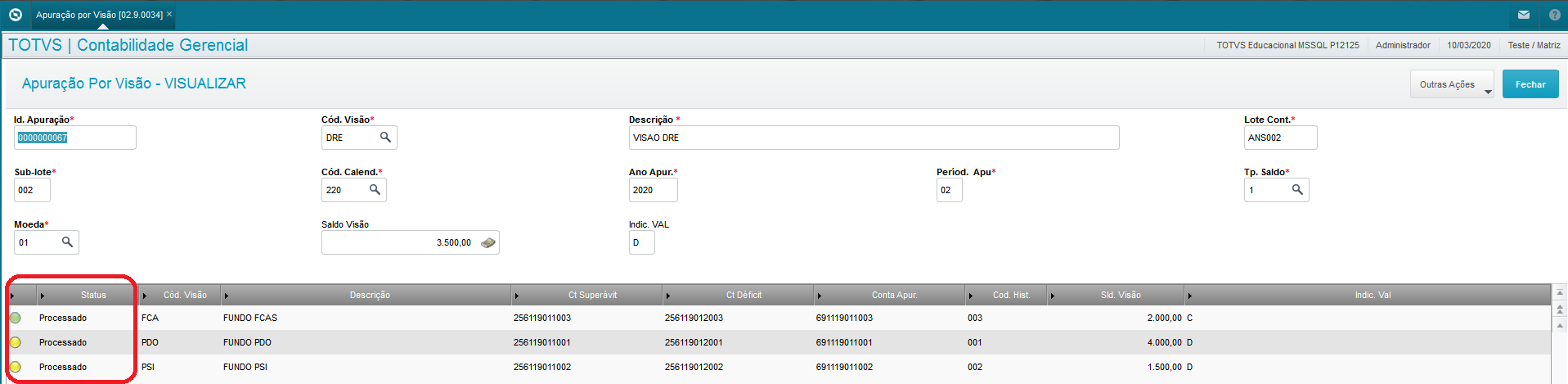
The option to "Update View Balances" updates the fields 'View Balance' of the header, 'View Balance' on the grid, and fields 'Val Ind' found on the header and grid.
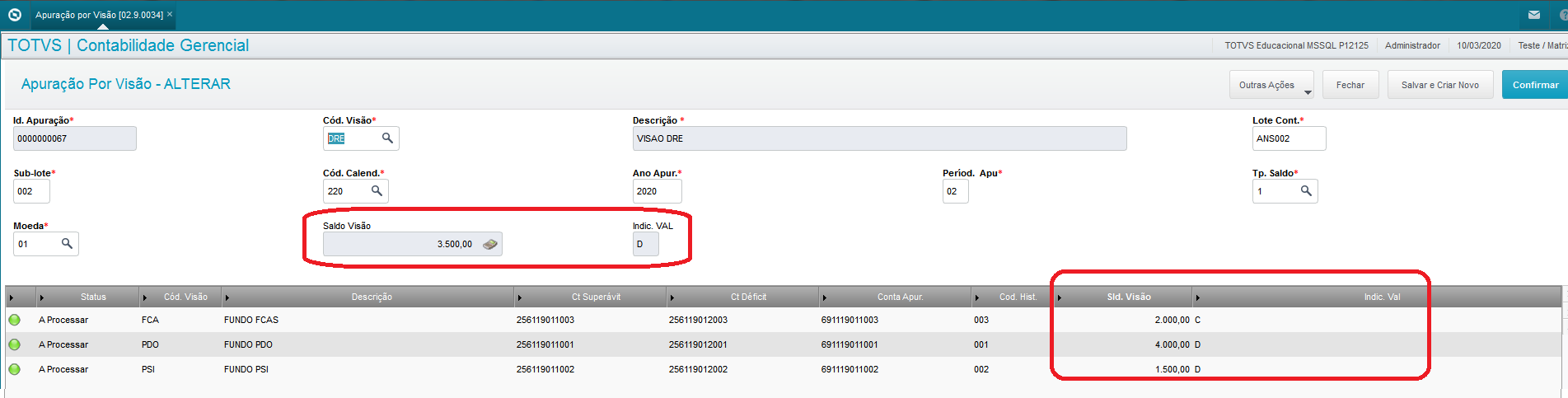
The header's Balance View corresponds to a full view, and the grid views are fractions of this full view. To calculate the sum of grid view balances, they must correspond to the balance of the full view.
| Aviso |
|---|
| - To update the view balances, you need to run the balance update (CTBA190).
- The balances are updated considering the branch of the register.
- If the main view's balance is 0 (zero), the value indicator is 'C'.
|
|