An employee (in this scenario, they are called Participant) needs to take a corporate trip, for some reason, whatever it may be (ex: customer service/visit, business meeting, event). So this routine will have as main objective to register the request of this trip, considering relevant information to control the expenses of the trip and its policies.
This routine only covers requests from Protheus. Trips integrated with Reserve do not generate requests, as they are purchased and issued directly by the agency. |
In the items of the trip, you can select and justify/detail the following services:
|
When parameterized for approval after the request, a pending approval will be generated for the superior of the participants. Otherwise, it can be sent to the travel department (directly after the request or in a second moment through the sending option) and the trip will be generated automatically.
Example:
The company can decide to go through all the approvals, in this case the flow will be:

Or it may be that only one of the approvals is necessary, in this case we have:


Access the routine through: Updates > Travel > Travel Requests
The traveler must inform the basic data of the trip in the header of the request, such as origin and destination, departure and arrival dates, customer for assistance (if any), etc.
For each service, Participants and their respective Cost Entities must be informed.
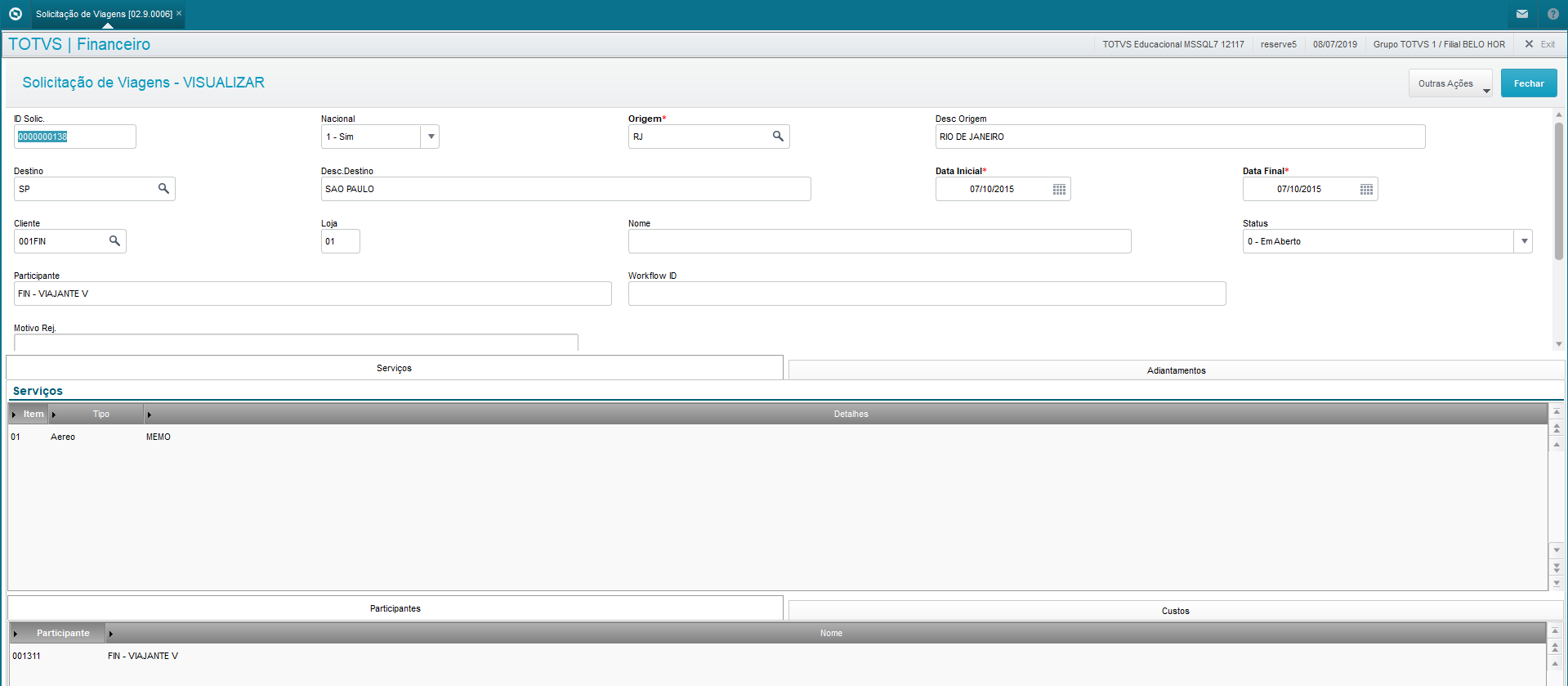
Also, you can select which participants will receive an advance in the Advances tab.
The calculated value is a forecast and is displayed only when it is parameterized:
