01. OVERVIEW

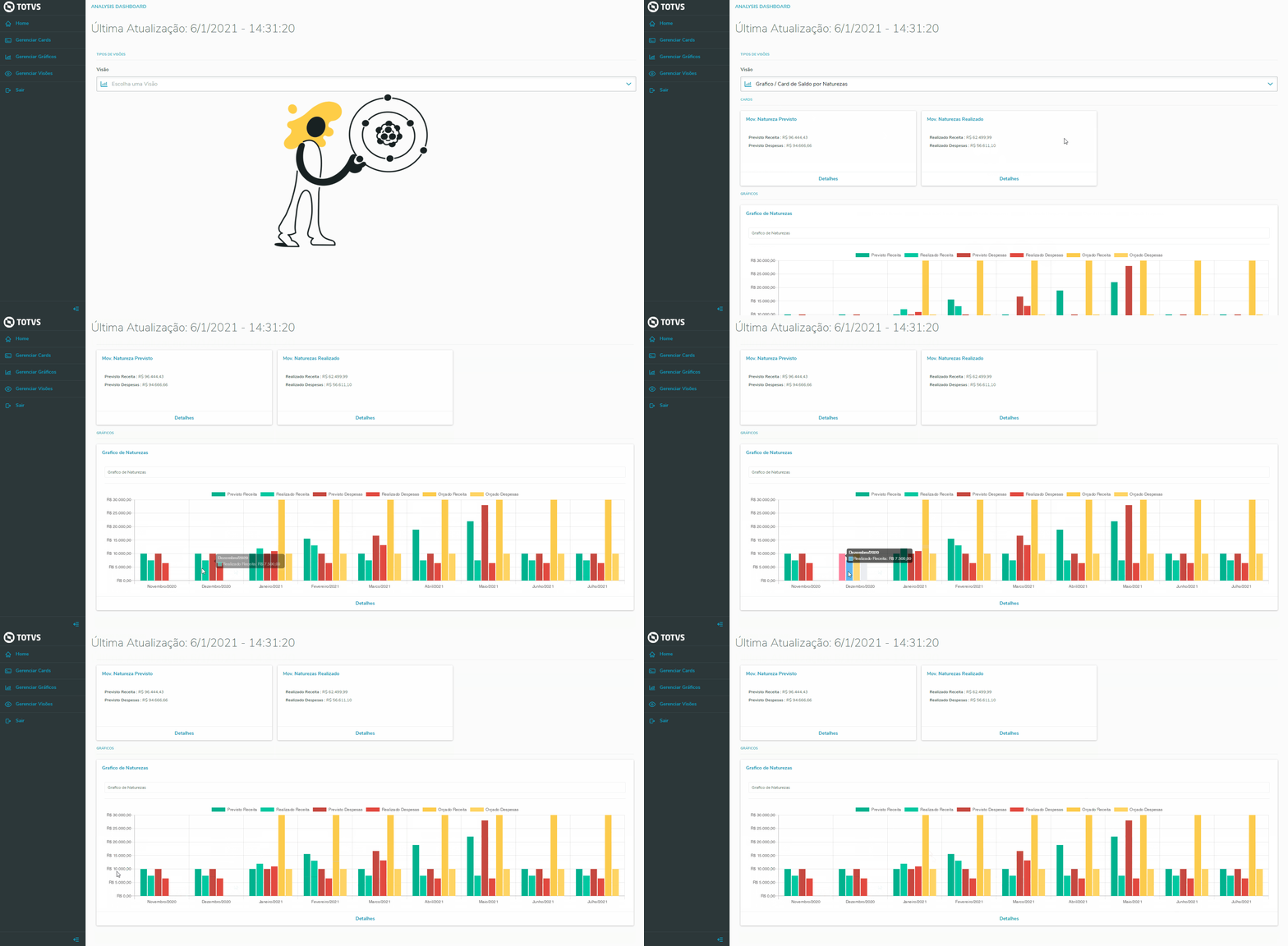
The Home menu allows you to view graphic views registered by the user. This menu manages all charts and cards views.

02. EXAMPLE OF USE

This functionality is in pilot time, i.e., it is still not available for all customers.

To view a Chart or Card:

1) Click the Home menu;

2) In the "View" combo box, select the desired chart;

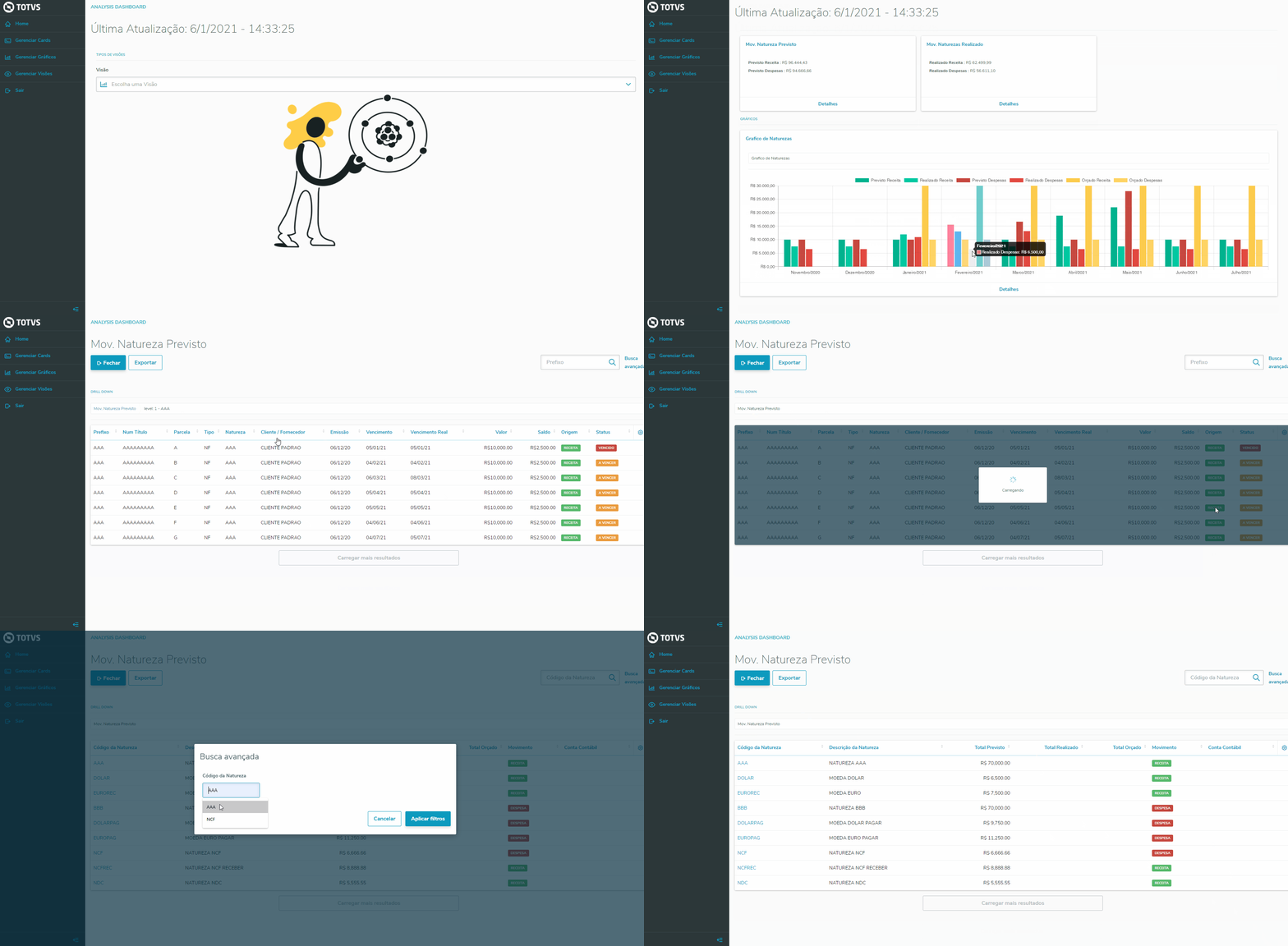
To view a Chart or Card details:

1) Click the Home menu;

2) In the "View" combo box, select the desired chart;

3) Click "Details".

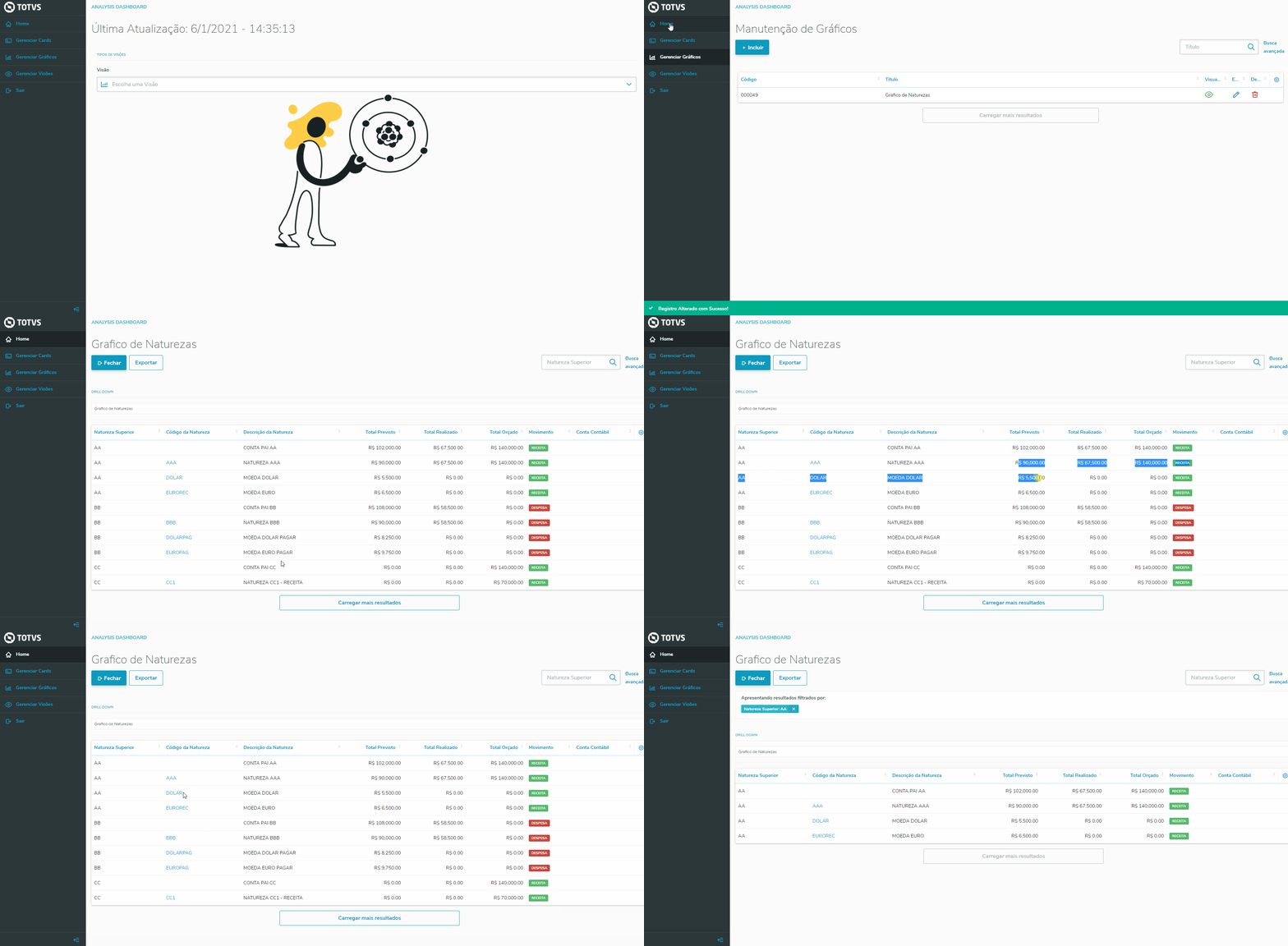
To view the details of a Chart or Card with Summarized Nature:

1) Click the Home menu;

2) In the "View" combo box, select the desired chart;

3) Click "Details".

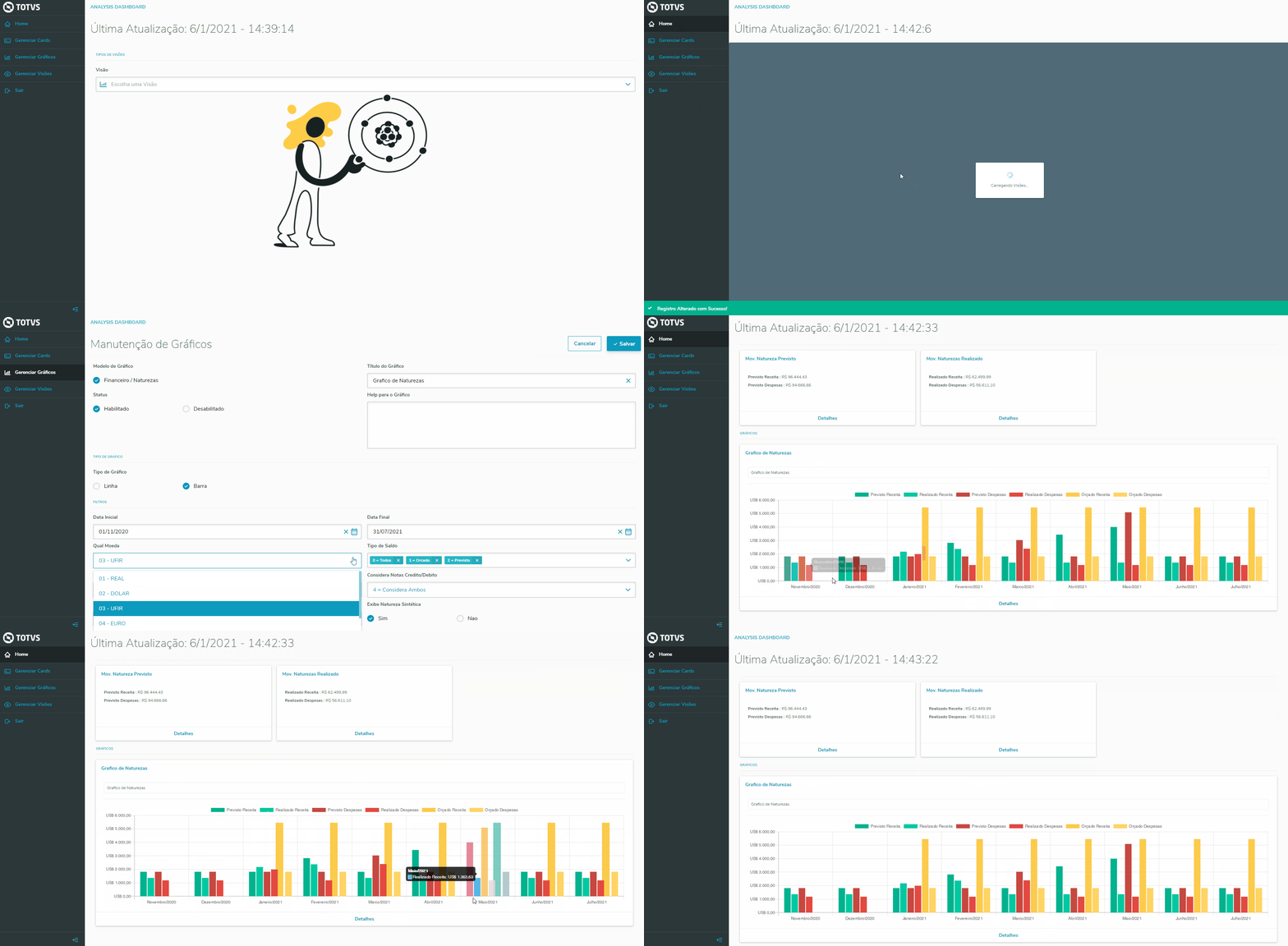
To view a Chart or Card in other currencies:

1) Click the Home menu;

2) In the "View" combo box, select the desired chart;


03. OTHER INFORMATION

04. RELATED SUBJECTS


<style>
div.theme-default .ia-splitter #main {
    margin-left: 0px;
}
.ia-fixed-sidebar, .ia-splitter-left {
    display: none;
}
#main {
    padding-left: 10px;
    padding-right: 10px;
    overflow-x: hidden;
}

.aui-header-primary .aui-nav,  .aui-page-panel {
    margin-left: 0px !important;
}
.aui-header-primary .aui-nav {
    margin-left: 0px !important;
}

.aui-tabs.horizontal-tabs>.tabs-menu>.menu-item.active-tab a::after { 
	background: #FF9900; !important 
}

.menu-item.active-tab { 
	border-bottom: none !important; 
}

</style>