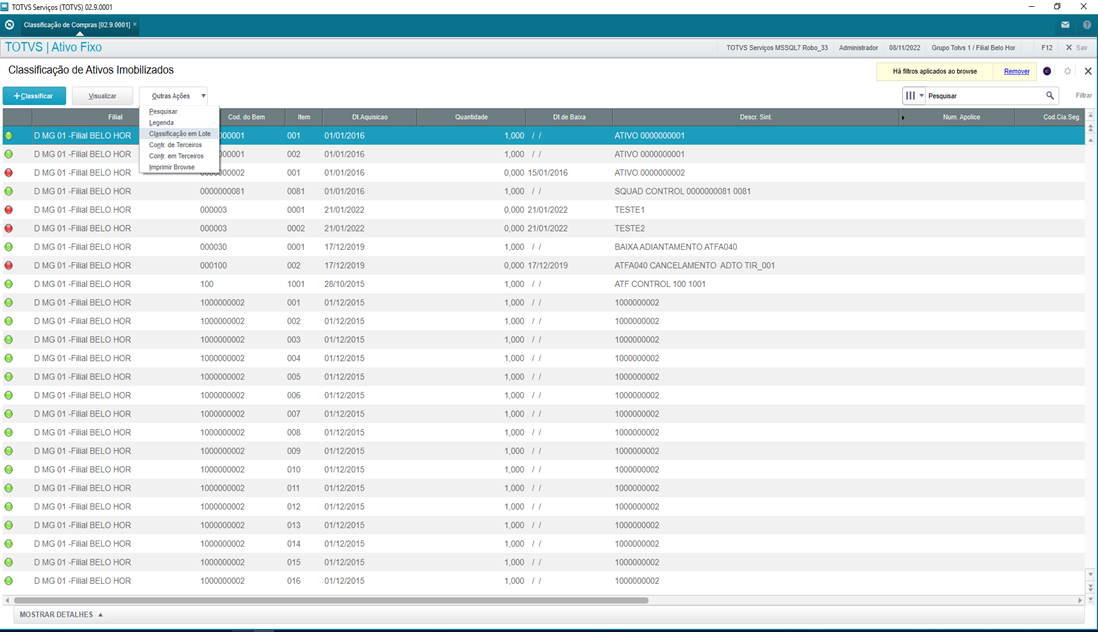
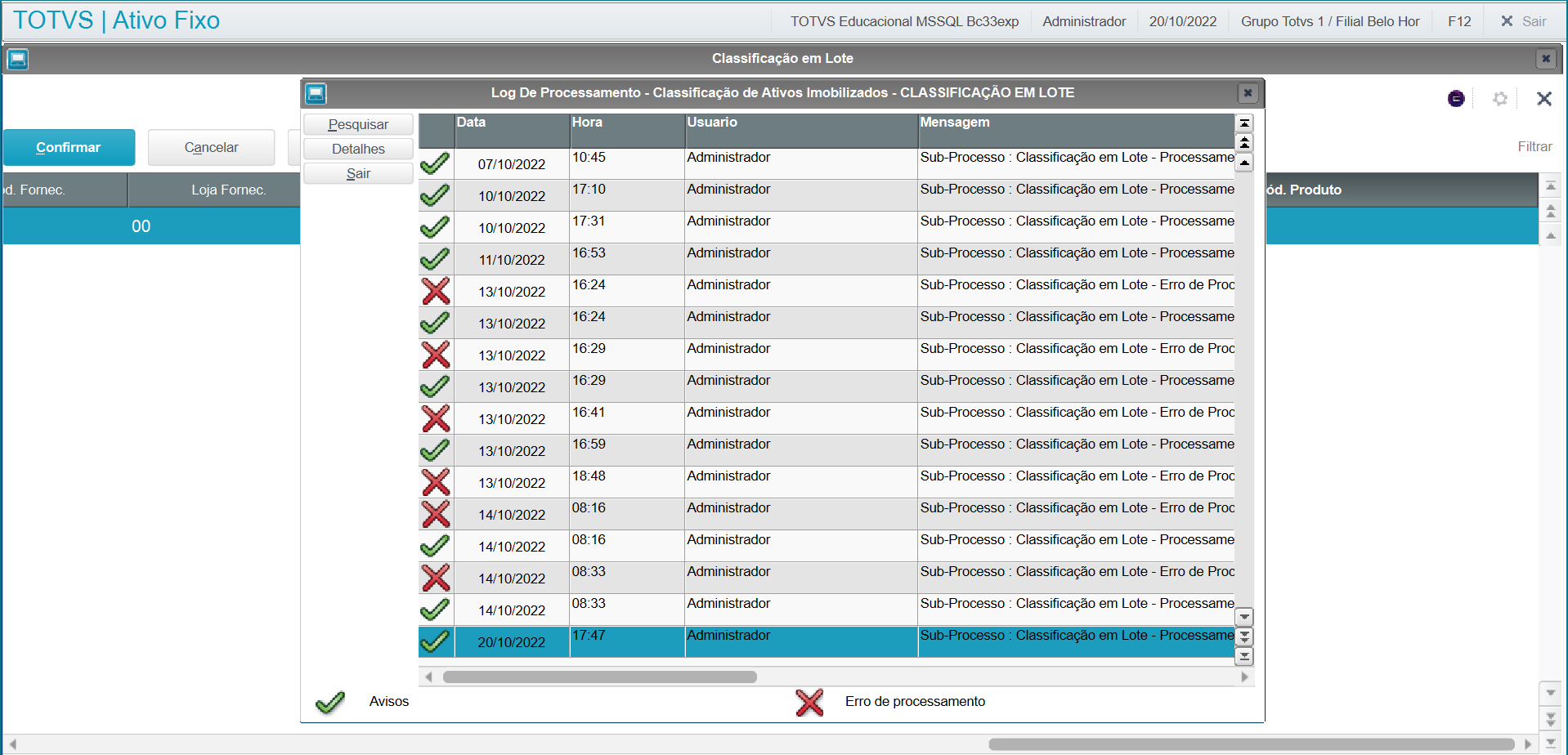
In <Other Actions/Batch Classification>
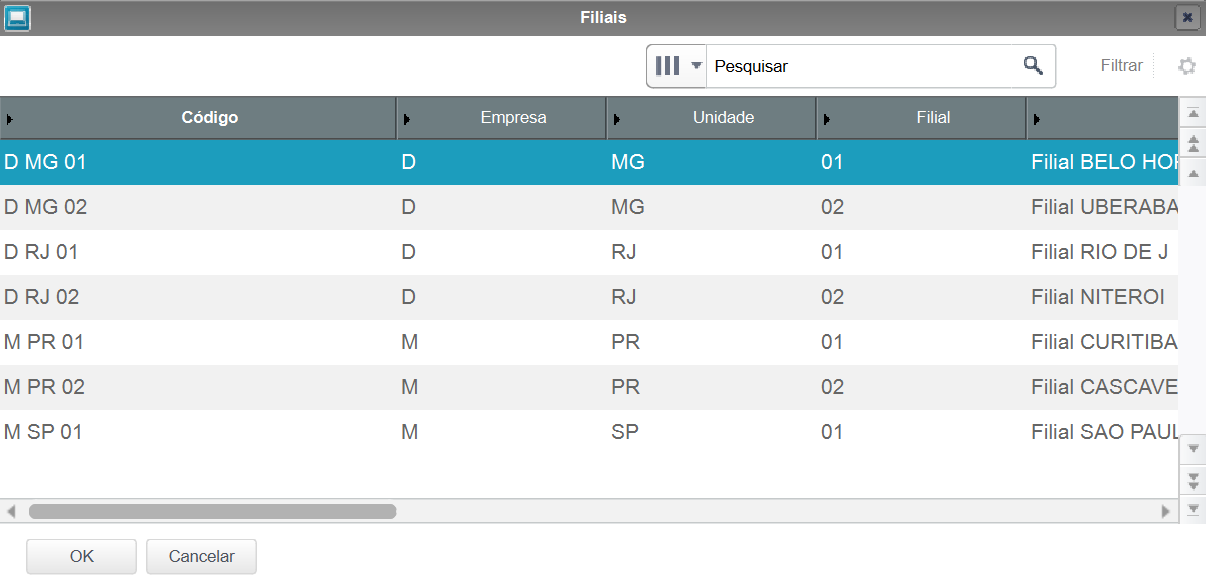
Selection of branch in which records are created as per the parameter settings screen:
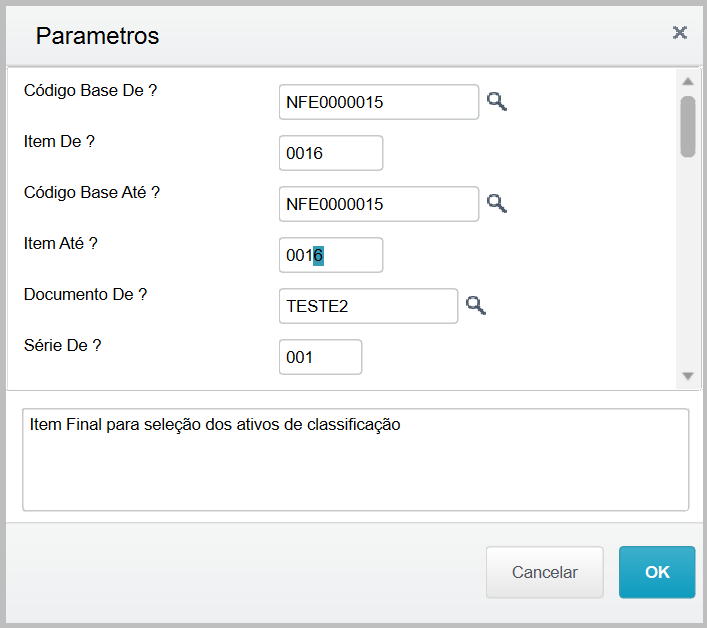
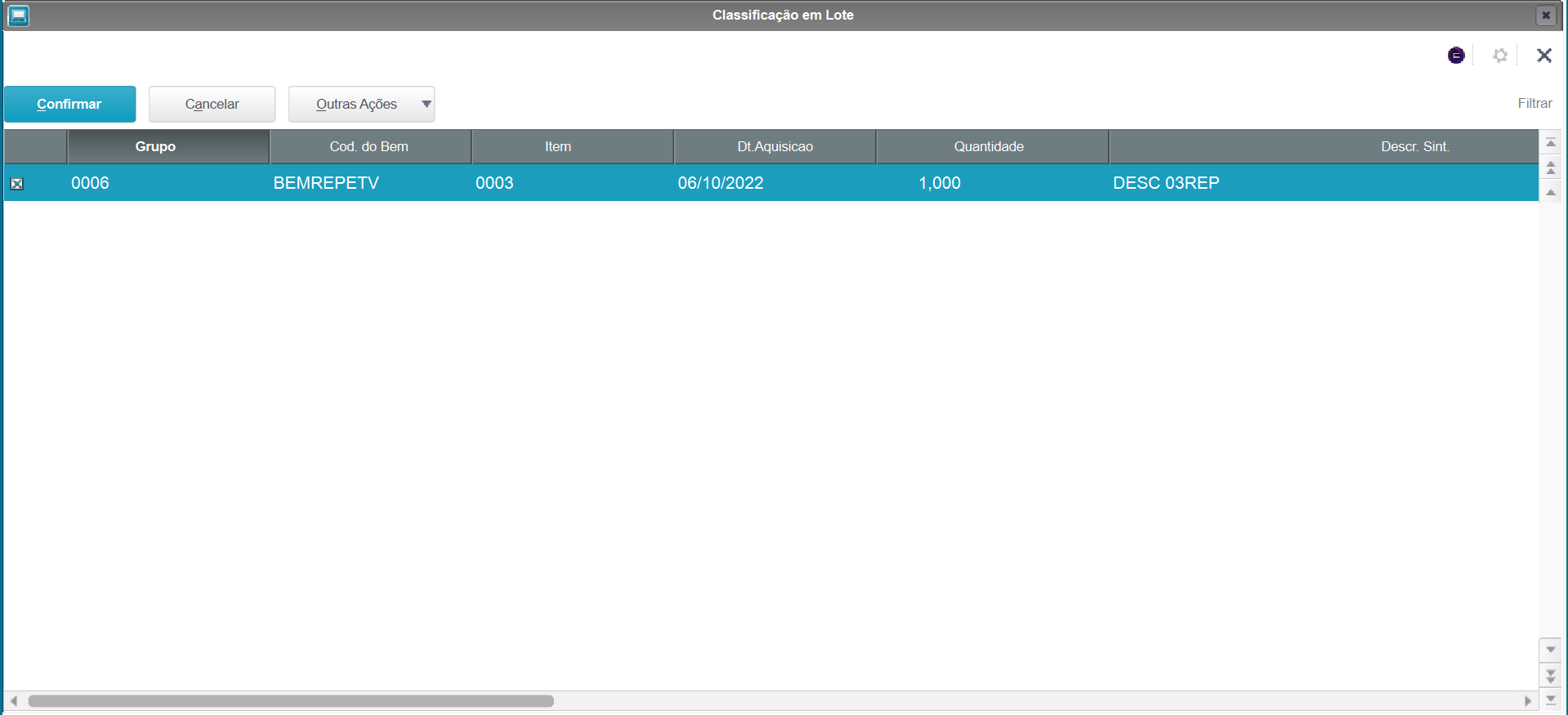
SX1 onscreen: When you correctly set the parameters on the previous screen, the selection screen and the assets are displayed in accordance with parameters.
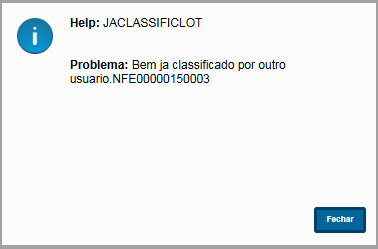
Afterwards, the routine processes it, sends it to the asset register, in which further validations are made, and then displays the processing log.
|
MV_PAR | Description | Help | Required |
01 | From Base Code | Initial Base Code for selection of classification assets. I | Yes |
02 | From Item? | Initial Item for selection of classification assets. | Yes |
03 | To Base Code? | Final Base Code for selection of classification assets. | Yes |
04 | Item To? | Final Item for selection of classification assets. | Yes |
05 | From Document ? | Initial Document for selection of classification assets. | Yes |
06 | From Series ? | Initial Series for selection of classification assets. | Yes |
07 | From Supplier ? | Initial Supplier for selection of classification assets. | Yes |
08 | From Store ? | Initial Supplier for selection of classification assets. | Yes |
09 | To Document ? | Final Document for selection of classification assets. | Yes |
10 | To Series ? | Final Series for selection of classification assets. | Yes |
11 | To Supplier ? | Final Supplier for selection of classification assets. | Yes |
12 | To Store ? | Final Store for selection of classification assets. | Yes |
13 | Product ? | To define sequential data intervals, use hyphen (1-3), and for those not sequential, semicolon (3;5;1). | Yes |
14 | From Acquisition Dt ? | Initial Acquisition Date for selection of classification assets. | Yes |
15 | To Acquisition Dt ? | Final Acquisition Date for selection of classification assets. | Yes |
16 | Accounts online ? | Enter whether booking is online or offline. If online, the process is booked at the moment of the one-on-one transaction. If offline, all entries not made online are booked in a process by batch. | No |
17 | Group Entries? | Define whether to group booking values when they have the same accounting entities, when booking the records. | No |
18 | Classification Group ? | Asset Group for accounting classification If the group has the managerial and tax type, the routine must include both lines as occurs in the manual classification. The managerial type value will be equal to the tax type value. | Yes |
19 | Automatic Increase ? | Define whether the system will suggest the base codes or item of classification in batches | Yes |
20 | Base Code ? | Base Code of assets after classification. If the question "Automatic Increase?" is checked as "Base Code": The first item will have the numbering of the parameter and the numbering of the others will increase by 1. If a Base Code and Item already exist, the system will use the next item that does not exist in the database. | Yes |
21 | Initial Item? | Item of assets after classification. If the question "Automatic Increase?" is checked as "Item": The first item will have the numbering of the parameter and the numbering of the others will increase by 1. (Example 0001,0002 and so on) If a Base Code and Item already exist, the system will use the next item that does not exist in the database. | Yes |
22 | Initial plaque number ? | Plaque of assets after classification. The first item will have the numbering of the parameter and the numbering of the others will increase by 1. (Example 0001,0002 and so on) If a plaque already exists in the database, the system will use the next item that does not exist in the database. | Yes |
23 | Description ? | Asset description. If the parameter is not filled in, use the product description from the invoice. | No |
24 | Acquisition Date ? | Date of Acquisition. If the parameter is not filled in, use the BASE DATE of the system. | No |
Main options onscreen
Field | Description |
Confirm | Confirm and continue with the asset classification |
Cancel | Cancel the process and return to the routine's home screen |
Other Actions/Print Browser | Print Browser |