
Histórico da Página
Architecture Changes
The Smart X browser revolutionizes data viewing with a friendlier, up-to-date interface.
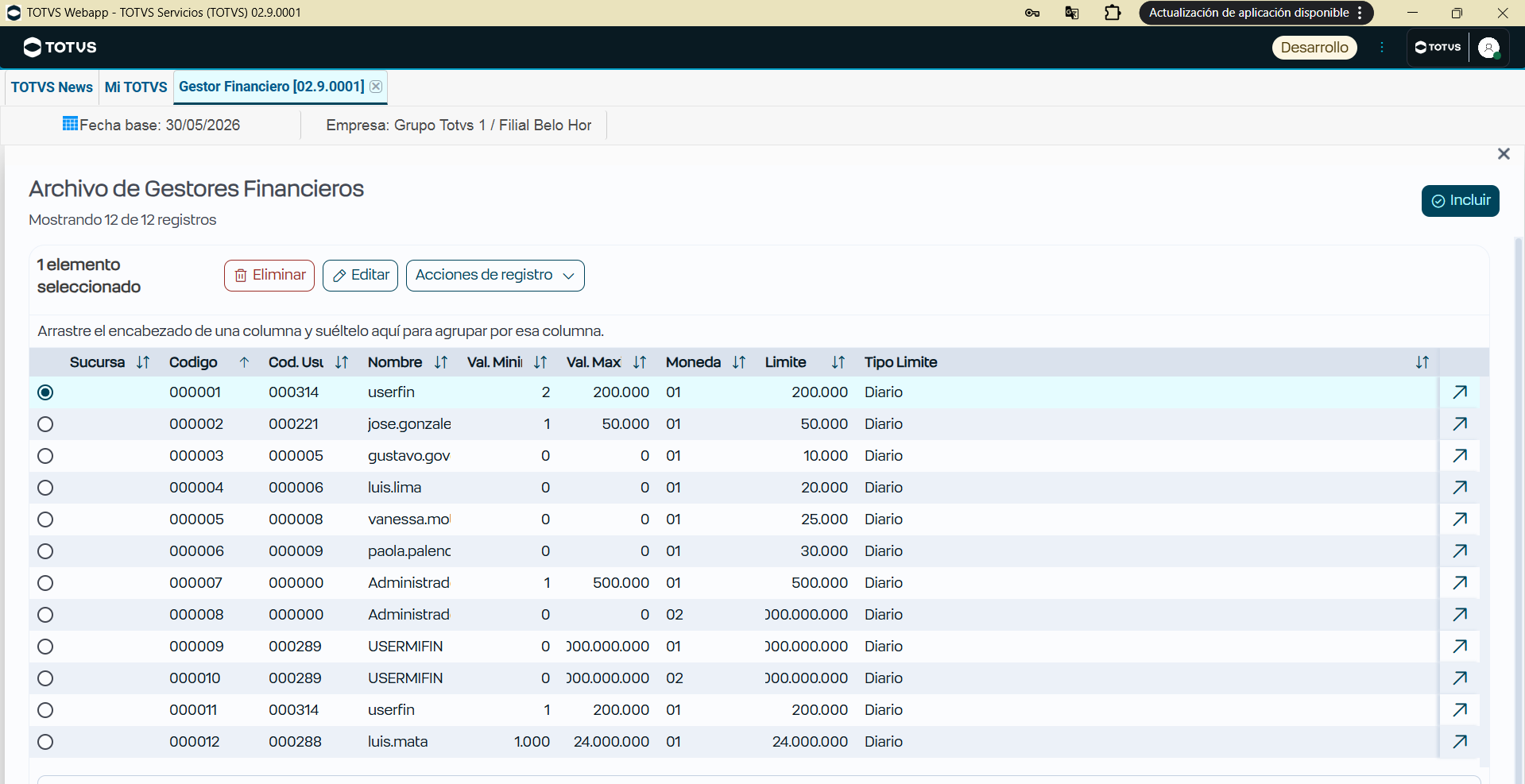
We have applied this evolution to the Financial Manager (FINA003) routine, fully renewing the list's home screen. The main advantage is keeping all the original addition, editing, and deletion rules intact. Thus, we can ensure a visual improvement with minimum impact on your existing configurations.
...
The main changes are listed below:
Browser (Data List)
The default browser has lost some manual flexibility to achieve greater visual standardization and better performance.
- Quick Search (Magnifier): Now this searches only in elements already loaded to memory (in the Grid's current page). To search something in the database, use the Advanced Filter.
- Working Paper (SIGACFG): Pay a lot of attention! Smart X ignores all Working Paper settings (forced filters, button restrictions, forced layout).
...
📋 What it Does and what it Does Not
Functionality | Default Browser (MVC) | Smart X Browser | Migration Status |
Working Paper Settings | ✅ Does (Filters, Layout) | ❌ Does Not | Critical. Migrate Dictionary to code. |
Filter with AdvPL | ✅ Does (Date(), U_Func) | ❌ Does Not | Critical. Convert to SQL/oData. |
Responsive Interface | ⚠️ Limited (old HTML) | ✅ Does | Native (PO UI). |
Parent/Child Panel (Master/Detail) | ✅ Does (Same Screen) | ❌ Does Not | UX migrates to Drill-down (New Screen). |
Search by Index | ✅ Does (Magnifier/DbSeek) | ❌ Does Not | Use Advanced Filter. Quick search is memory only. |
...
Smart X Filter Search
- The system displays browser paging with 100 records, which you can edit to 1000 records.
- In the filter, the search seeks all database records, returning the filtered record.
...
Screen converted to SMART X:
...
...
Useful links:
Visão Geral
Import HTML Content
Conteúdo das Ferramentas
Tarefas